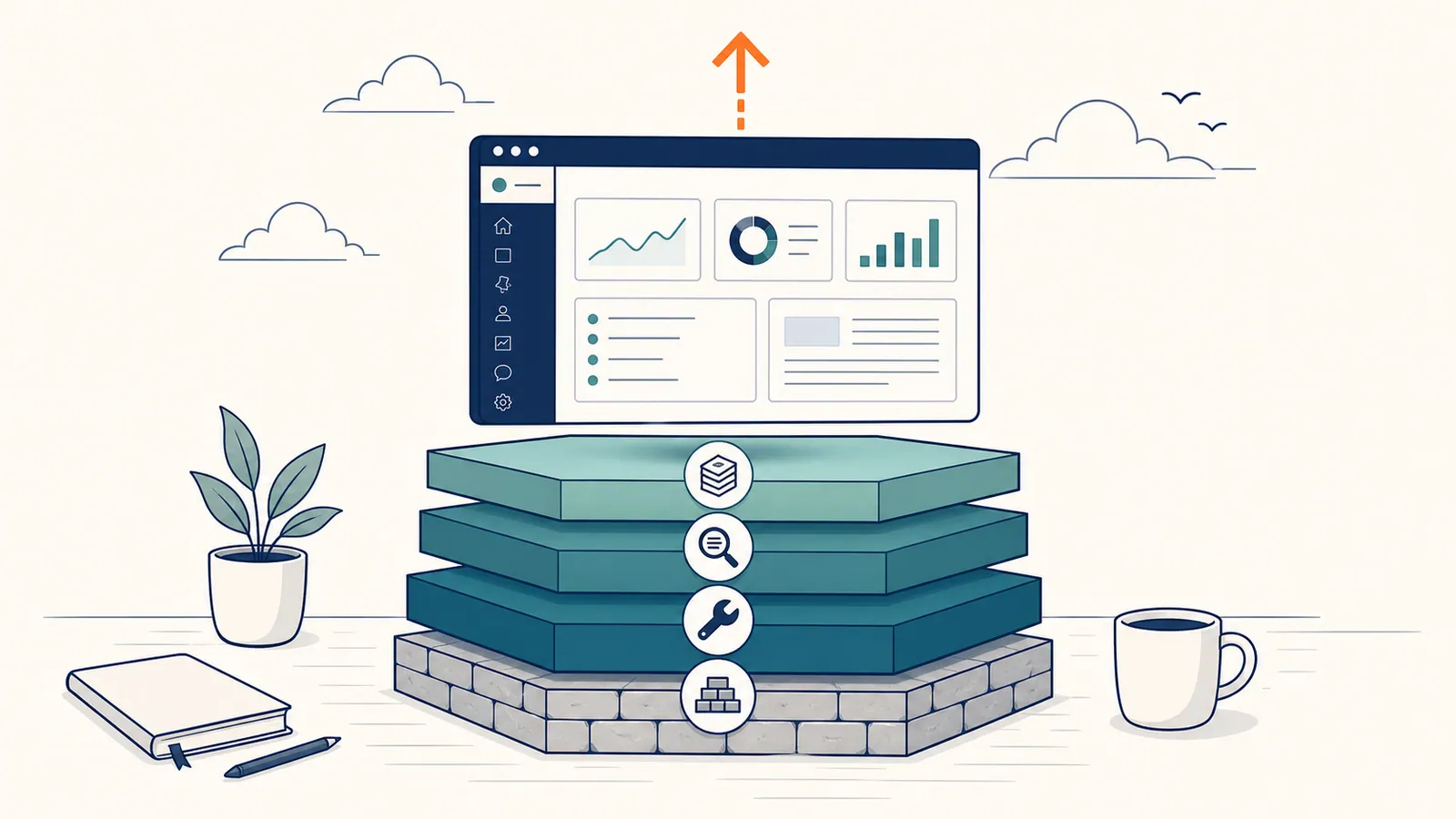
This is a step-by-step guide on how to improve SEO on WordPress in 2026. It is written for site owners, marketers, and operators who already have a WordPress site, want better organic traffic, and are not interested in advice that ends at "install Yoast and write good content." If you do every step in this guide, you will be doing more for your WordPress SEO than 90% of the sites you compete with. The work is not complicated. It is just rarely done end-to-end by the same person on the same site.
WordPress runs roughly 43% of the web. Most WordPress sites do almost nothing for SEO beyond installing a plugin. The opportunity is large because the bar is low. A site that runs through the steps below. Foundations first, technical second, on-page third, content fourth. Will outrank the average WordPress site in its niche within a year. Sometimes faster. There is no magic in it. There is mostly consistency.
This guide is organized as four layers. Foundations and technical are one-time wins. On-page and content are recurring work. The four-week rollout at the end walks you through which order to attack them. The "what you cannot fix with a plugin" section near the bottom is where most well-intentioned SEO projects quietly die. Read that section twice.
Last updated: October 13, 2026. Schema advice updated: Google no longer shows FAQ rich results.
TL;DR
- Treat WordPress SEO as four layers: foundations, technical, on-page, and content.
- Foundations and technical fixes deliver the biggest one-time wins. Do them first.
- On-page and content are where ongoing effort lives. Set up a weekly cadence.
- Plugins help, but no plugin actually does the SEO work for you. They expose settings.
- An agentic system like RankHive: SEO autopilot for WordPress handles the discovery, prioritization, and drafting so the work actually gets done each week.
The four layers of WordPress SEO
| Layer | What it covers | Effort profile |
|---|---|---|
| Foundations | Hosting, HTTPS, indexing, Search Console, sitemap | One-time, ~2 hours |
| Technical | Speed, Core Web Vitals, schema, internal linking, crawl issues | One-time + monthly audit |
| On-page | Titles, meta descriptions, headings, internal links, image alt text | Per-page, ongoing |
| Content | New pages, refreshes, topical depth | Weekly ongoing |
Most "how to improve WordPress SEO" guides only talk about the on-page layer. The biggest wins are usually in foundations and technical. They are also the easiest to verify. Layer the work in order. Skipping layers feels productive in the short term. It is not.
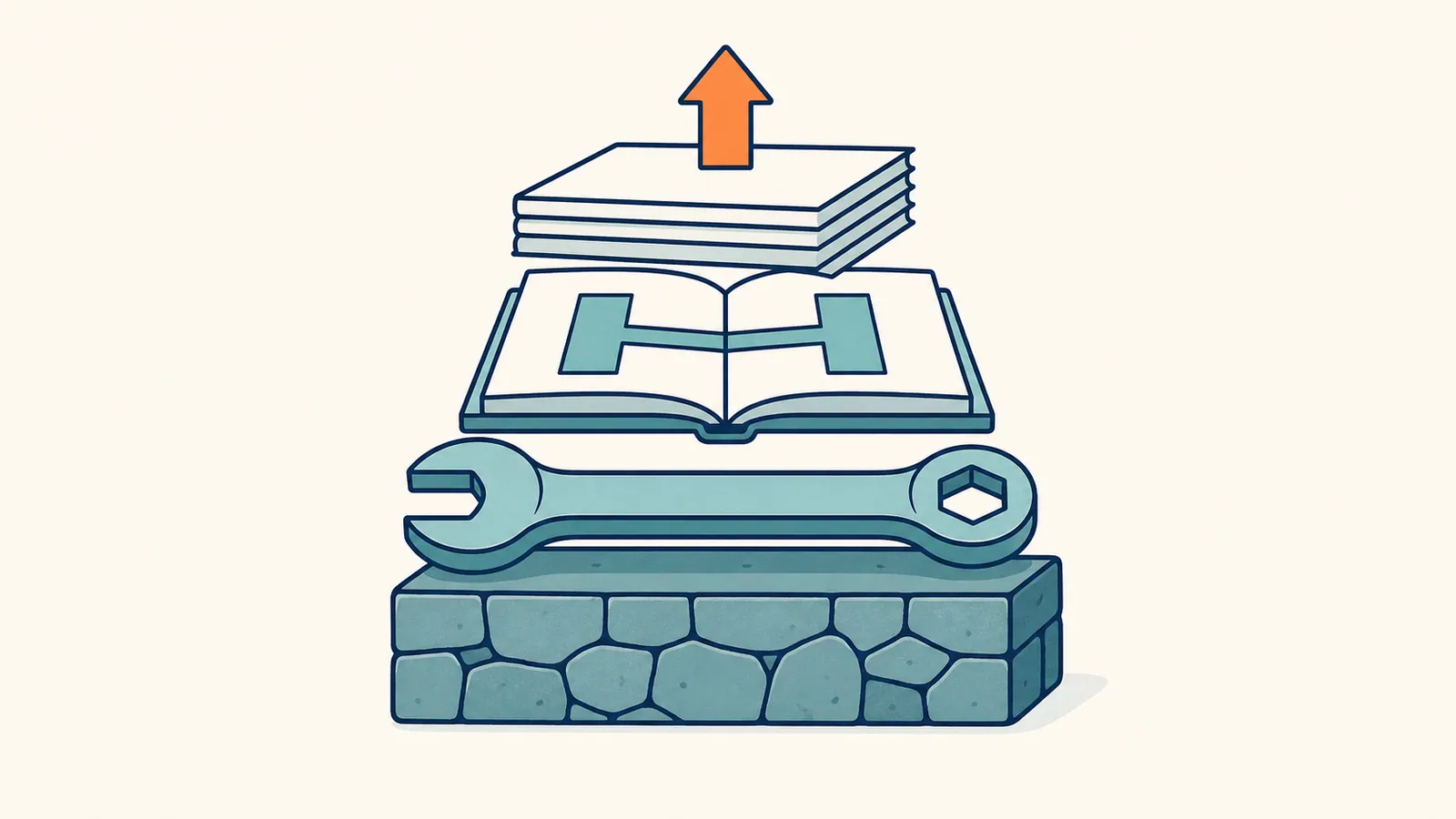
Step 1. Foundations
These take about two hours total. They only need to be done once.
1.1 Pick a fast host
Cheap shared hosting will cap your Core Web Vitals no matter what you do. In 2026 there is no good reason to be on a host that delivers TTFB above 600ms on cache miss. Kinsta, WP Engine, Rocket.net, and Cloudways (Vultr High Frequency) are all defensible choices. Bluehost and GoDaddy shared plans are not.
The cost difference between bad and good hosting is usually $20 to $40 per month for a small site. The payoff is faster Core Web Vitals, more reliable indexing, and fewer "the site is slow today" mysteries. If you are still on bargain shared hosting, this is the single highest-leverage move on the list.
1.2 Force HTTPS site-wide
Settings → General → Site Address must use https://. Redirect all http:// URLs to https:// with a 301. Most hosts do this automatically. Verify with a curl -I http://yourdomain.com/ from your terminal. If you do not see a 301 redirect to the https version, fix it before doing anything else on this list.
1.3 Set a canonical domain
Decide on www versus non-www. Set it in Site Address. 301 the other version to it. Pick one and never go back. Mixed-case domains, multiple hosts, and trailing-slash inconsistencies all cause subtle indexing problems that show up in Search Console’s Page indexing report as Duplicate statuses months later.
1.4 Install Search Console and verify both versions
In Google Search Console, add both https://www.yourdomain.com and https://yourdomain.com as separate properties. This catches issues where Google is indexing the wrong host. Once both are verified, you can use the consolidated property in your reports.
1.5 Submit your sitemap
WordPress generates /wp-sitemap.xml natively in modern versions. Plugins like Yoast and Rank Math generate their own (usually /sitemap_index.xml). Pick one source of truth and submit it in Search Console → Sitemaps. Two sitemaps competing for the same content is a fast path to crawl confusion.
1.6 Confirm your site is indexable
In WordPress, Settings → Reading → "Discourage search engines from indexing this site" must be unchecked. Left checked, this single checkbox can quietly keep a site out of Google for years. Verify it every time you take over an existing WordPress install. It is the WordPress SEO equivalent of a parking brake left on.
Step 2. Technical SEO
2.1 Run a Core Web Vitals check
Open PageSpeed Insights. Paste your homepage URL. Look at these four numbers.
- Largest Contentful Paint (LCP). Needs to be under 2.5s.
- Interaction to Next Paint (INP). Under 200ms.
- Cumulative Layout Shift (CLS). Under 0.1.
- First Contentful Paint (FCP). Under 1.8s.
If any one is in the red, you have a real, measurable problem. Fix the worst one first. Re-test. Move to the next.
2.2 Common WordPress speed fixes
- Install a caching plugin (WP Rocket, LiteSpeed Cache, or Cloudflare's APO).
- Convert images to WebP or AVIF. Imagify or ShortPixel handle this in bulk.
- Lazy-load below-the-fold images. Default in WordPress core since 5.5.
- Remove the 14 plugins you do not use. Each one adds queries and JavaScript.
- Switch to a lighter theme. GeneratePress, Kadence, and Astra are battle-tested.
- Disable jQuery on pages that do not need it. Most themes load it everywhere by default.
- Defer non-critical CSS and JS. WP Rocket and LiteSpeed handle this with one toggle each.
The order matters. Caching first, image format second, plugin diet third, theme last. Switching themes is the most disruptive change of the four. Save it until the cheaper interventions have run their course.
2.3 Fix crawl errors
In Search Console → Pages, look at the "Why pages aren't indexed" section. The common culprits on WordPress.
- Soft 404s. Usually empty category or tag pages.
noindexthem or delete them. - Crawled – currently not indexed. Typically thin or duplicate content. Improve or remove.
- Discovered – currently not indexed. Google found the URL but has not fetched it yet. Improve internal linking.
- Duplicate without user-selected canonical. Set the canonical explicitly in your SEO plugin.
- Excluded by 'noindex' tag. Confirm the noindex is intentional. Sometimes plugins set it accidentally.
Pull the full list. Sort by URL count. Attack the largest bucket first. A clean Pages report is one of the most undervalued WordPress SEO wins because it is invisible to your visitors. Google sees it.
2.4 Internal linking
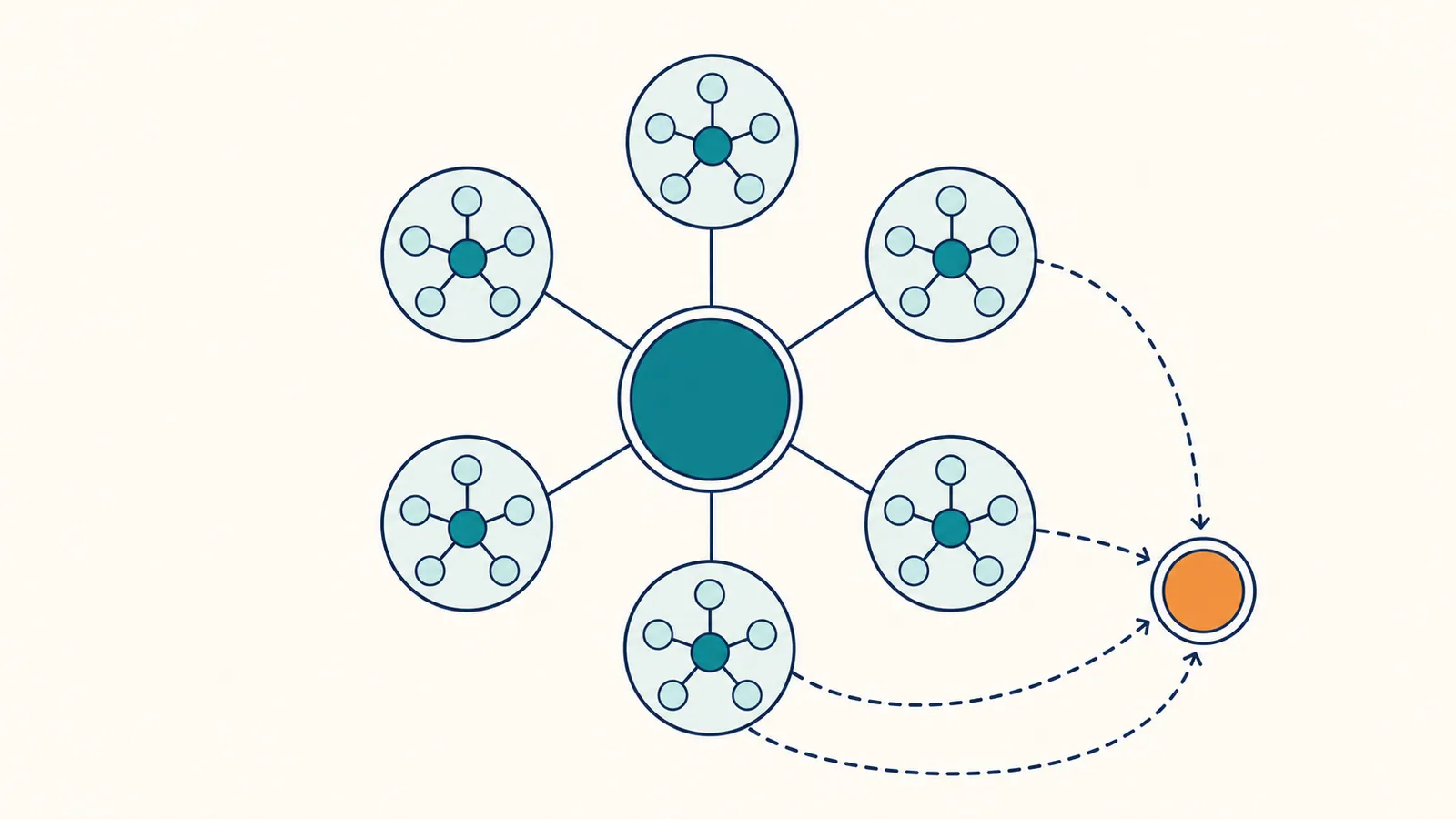
Internal links pass topical authority. The two patterns that work on WordPress.
Pillar + cluster. Every cluster has one long pillar post, surrounded by 5 to 10 supporting posts that all link to the pillar and to each other. This is the structure this very blog uses. Pillars on "AI for SEO," "agentic SEO," and "WordPress SEO," with cluster posts feeding each.
Contextual links from old to new. Every time you publish a new post, edit 2 to 3 existing posts to link to it. Without this habit, new posts launch into the void and take months to find traction.
2.5 Add schema markup
A modern SEO plugin handles most of this. Yoast adds Article and BreadcrumbList schema by default, and Organization once you set a logo under Site representation; Rank Math adds Article and an Organization or Person, plus BreadcrumbList once you turn on its breadcrumbs. SEOPress outputs Organization data from its Knowledge Graph settings; its automatic Article schema needs SEOPress PRO. Validate the output once with Google's Rich Results Test on a single post. Confirm the schema is valid. Then stop touching it.
For FAQ sections, FAQPage markup is now optional: Google stopped showing FAQ rich results for every site on May 7, 2026. It is still valid schema and does no harm, so if your plugin's FAQ block adds it, keep it, but only on pages that actually show the questions and answers. Markup for content visitors cannot see breaks Google's structured data guidelines and can lead to a manual action.
If you run a business with a physical address, LocalBusiness schema is the one type most plugins do not generate well. It wants a structured address, opening hours per day, and a specific business subtype, and a plugin that guesses at those often emits markup that validates but describes you badly.
2.6 Set up redirects
When you rename or delete a URL, set a 301 to a relevant replacement. Redirection (free plugin) handles this cleanly. Never leave a 404 on a URL with backlinks pointing to it. A 404 throws away accumulated link equity. A 301 preserves most of it.
Keep a redirect map in a Google Sheet. Audit it once a year for chains (A → B → C should become A → C).
Step 3. On-page SEO
3.1 Title tags
Every post and page needs a unique title under 60 characters that contains the target keyword. The format that has worked for a decade.
Primary Keyword | Modifier | Brand
Example: WordPress SEO Plugin Comparison | Beyond Yoast | RankHive.
Keep the primary keyword in the first half of the title. Google emphasizes the early words. The brand at the end signals consistency.
3.2 Meta descriptions
Under 160 characters. Sells the click. Contains the primary keyword once, naturally. Most pages on the internet have a generic, theme-generated meta description. Writing a real one is a free differentiator. CTR moves measurably when the meta description is tight, specific, and matches the user's intent.
3.3 H1 and heading structure
- One H1 per page, containing the primary keyword.
- H2s break the page into sections matching reader intent.
- H3s for sub-sections inside H2s.
- Do not use headings for visual styling. Use them for structure.
The H2s should mirror the questions a reader would ask. Each H2 should be answerable from the section underneath it.
3.4 URL slugs
Short, descriptive, hyphenated, no stop words.
- Good:
/blog/improve-wordpress-seo - Bad:
/blog/?p=1247 - Bad:
/2026/05/29/how-to-improve-the-seo-of-your-wordpress-site-in-2026/
Set permalinks once, in Settings → Permalinks → "Post name". Never change them again without 301s.
3.5 Image SEO
- Descriptive file names (
internal-linking-diagram.png, notIMG_4429.png). - Real alt text describing the image. Do not stuff keywords.
- WebP or AVIF format.
- Width set to the actual display width. No 4000px hero images rendered at 1200px.
- Compress before upload. Most themes do not compress aggressively enough by default.
3.6 Internal anchors
Use descriptive anchor text. "Click here" tells Google nothing. "WordPress SEO plugin comparison" tells Google a lot. Vary the anchors when linking to the same destination from different posts. Exact-match anchors used repeatedly can look manipulative.
Step 4. Content
Foundations and technical fixes top out fast. Once they are done, ongoing growth comes from content. The work splits in two.
New posts that target keywords you do not yet rank for. These are slow-burn assets. They take 60 to 180 days to find their position. They are the only way to expand the surface area of your SEO.
Refreshes of existing posts that already rank somewhere on pages 1 to 2. These move fast. Usually within 30 days. They are the highest-ROI content work you can do.
4.1 Picking targets for new posts
Use a keyword tool (Ahrefs, SEMrush, Mangools, or Google's own data) to find queries with:
- Volume over 100/mo.
- Keyword difficulty under your site's authority ceiling (under 30 for most small sites).
- Clear commercial or informational intent that fits your business.
Cross-reference with what your competitors rank for that you do not. That gap is your roadmap. (See Keyword Gap Analysis: Find Missing SEO Opportunities for the full method.)
4.2 Refreshing existing posts
Open Search Console → Performance. Filter to the last 90 days. Find queries where:
- Average position is between 5 and 20.
- Impressions are healthy (over a few hundred per month).
- Your post is not yet on the first page.
These are striking-distance opportunities. A modest refresh. Better intro, an added section, fresher examples, updated stats. Is often enough to push them onto page one. AI Content Optimization: A Practical Guide for 2026 covers the full refresh workflow.
4.3 What "good content" actually means in 2026
It is not word count. It is:
- Genuine first-hand experience or expertise. Google's algorithm and AI overviews both lean on E-E-A-T signals. Cite yourself.
- Answering the question in the first 100 words. Then expanding. Not the other way around.
- Comprehensive but tight. Cover the topic in full but do not pad.
- Skimmable. TL;DR, headings every 200 words, tables and lists where they help.
- Original where you can be. First-party data, screenshots from your own work, examples no one else has.
Step 5. Pick your plugin (one plugin, not three)
You need exactly one SEO plugin. The serious options for 2026.
| Plugin | Best for | Free version |
|---|---|---|
| Yoast SEO | Beginners, defaults that just work | Yes |
| Rank Math | Power users, generous free tier | Yes, excellent |
| SEOPress | Yearly licence, lightweight | Limited |
| The SEO Framework | Performance-first, no upsell | Yes, full |
A deeper comparison is in Best WordPress SEO Plugin in 2026 (Beyond Yoast).
Whichever you pick. Set it up once and stop fiddling. Plugins do not move rankings. People moving plugins do not move rankings either. The bikeshedding on plugin choice is one of the most common time sinks in WordPress SEO. Pick one in five minutes. Move on.
Step 6. Build a sustainable cadence
The reason WordPress SEO usually fails is not that the work is hard. It is that the work is endless, and nobody owns it next week. A cadence that survives reality.
- Monday (15 min). Check Search Console for new errors or sharp position drops.
- Tuesday (60 min). Identify this week's refresh target. One striking-distance post.
- Wednesday (90 min). Refresh it. Update intro, add a section, fix internal links, refresh stats.
- Thursday (60 min). Outline next week's new post.
- Friday (30 min). Publish, share, log the change in a tracking sheet.
That is roughly four hours per week. Sites that do this for 12 months in a row are virtually never the ones complaining about SEO. The ones complaining are the ones who do it for three weeks, stop, and pick it up again six months later with no memory of what was working.

What you cannot fix with a plugin
A few problems require structural changes, not settings.
Thin site overall. If you have 8 posts and they are all 600 words, no SEO plugin helps. The fix is more posts and longer ones.
No backlinks. Plugins do not produce links. PR, partnerships, and content that gets cited do. If your referring domain count has been flat for two years, the problem is link strategy. Plugins cannot help.
Wrong intent. If your page targets a query that the user actually wants something else for, plugins cannot rewrite intent. Either change the angle of the page or pick a different target.
Bad UX. If your bounce rate is 90%, fix the page experience first. SEO compounds on top of UX, not instead of it.
Bad core content. A page that does not deliver value cannot be optimized into one. Rewrite from scratch or kill the page.
Domain-level penalties. If you have a manual action in Search Console, the plugin will not help. Address the violation directly.
Where automation helps
WordPress SEO has a workload problem more than a knowledge problem. Most teams know roughly what to do. They do not do it consistently. That gap is where agentic SEO platforms like RankHive's SEO autopilot for WordPress earn their place. They pull the data, pick the next thing to fix, draft the change, and queue it for one-click approval.
In RankHive, the Monday check and the Tuesday target pick from the cadence above arrive as a queue of drafted changes: a new title for a page sitting at position 9, a rewritten section for a post losing clicks, an internal link to last week's post. Each shows the query, impressions and position behind it. You approve, edit or discard; approved changes are written to WordPress and logged, so any of them can be reverted.
If you have more than 50 indexed pages and one part-time person on SEO, that is the throughput problem to solve. Not the plugin choice. The tools-for-small-business guide walks through where automation fits in a small team's stack.
Frequently asked questions
How long does WordPress SEO take to show results?
Technical and on-page fixes show movement in 14 to 30 days. New content takes 60 to 180 days to find its position. Compounding shows up clearly after six months of consistent work.
Do I need a developer to do WordPress SEO?
For the layers above, no. Everything in this guide can be done by a non-developer with admin access. Theme-level changes and custom schema implementations are the exceptions.
Is Yoast or Rank Math better?
Rank Math has the better free tier in 2026. Yoast has the safer defaults. Either is fine. Picking one in five minutes is more important than the choice. The full Yoast vs Rank Math comparison, with AIOSEO and SEOPress, is there if you want it.
Should I worry about AI overviews stealing my WordPress traffic?
For informational queries, yes. Traffic will compress. For commercial queries, less so. The mitigation is to be cited inside the AI overview when you can (clear answers, schema, original data) and to target commercial queries where the overview is less likely to short-circuit the click.
Can I improve WordPress SEO without writing more content?
Yes. For the first 90 days. Foundations, technical, on-page, and refreshes can carry you that far. Past 90 days, new content becomes necessary. There is no infinite well of optimization on a small content library.
Should I move to a static site for SEO?
Probably not. WordPress is fine for SEO when properly configured. The performance gap between a well-tuned WordPress site and a static site is small. The content management gap is large. Stay on WordPress if you are already on it.
A four-week WordPress SEO rollout
Week 1. Foundations. Hosting check. HTTPS. Canonical domain. Search Console. Sitemap. Indexability checkbox.
Week 2. Technical. Core Web Vitals audit and top fix. Crawl errors. Schema validation. Internal linking audit.
Week 3. On-page. Title and meta rewrites on the top 10 pages by impressions. Image SEO pass. Heading structure audit.
Week 4. Content cadence. First refresh. First new post outline. Set the recurring weekly calendar slot.
After four weeks you have done more for your WordPress SEO than most sites in your niche. After 12 weeks you start to see the compounding. After 12 months you have a different site.
A note on WordPress SEO for non-English sites
If your site targets a non-English market, a few extra considerations matter. WordPress core does not support multilingual content out of the box; that takes a plugin. The SEO plugins all support hreflang tags. But the configuration is fiddly and gets skipped on small sites.
The minimum viable multilingual SEO setup. Pick a multilingual plugin (Polylang, WPML, or TranslatePress). Configure it cleanly before adding content. Switching plugins mid-flight is painful. Use subfolders (/es/, /de/) rather than subdomains for most cases. Subfolders inherit domain authority. Subdomains do not. Add hreflang annotations on every translated page. The SEO plugins handle this if the multilingual plugin populates the right metadata.
Search Console's International Targeting report has been retired, so test the hreflang setup with a crawler that checks return links.
The one mistake to avoid: auto-translated content that is not human-edited. Google has been clear that low-quality auto-translation is treated as low-quality content. AI translation in 2026 is good enough for first drafts but still benefits from a native human pass before publishing.
Common pitfalls per layer
Each of the four layers has a characteristic failure mode. Catching them early is faster than diagnosing them after they cause problems.
Foundations pitfall: the silent noindex. A staging-site leftover, a misconfigured plugin, or a check-box flip on Settings → Reading can silently noindex the whole site. Verify your homepage and a sample product page are indexable every six months. The check takes 30 seconds. Missing it costs months.
Technical pitfall: the slow plugin you keep. Every WordPress site has at least one plugin that adds noticeable performance cost. Audit your plugins once a quarter. Disable anything you have not used in 60 days. The site gets faster automatically.
On-page pitfall: the title that survives the rewrite. When you rewrite a page, the page editor's "Document" sidebar usually keeps the old SEO title because your SEO plugin stores it separately. Always check both fields after a rewrite.
Content pitfall: the post that stays "live" but has no inbound links. Every new post needs two to four contextual links from existing posts within the first week of publishing. Without them, the post launches into the void. Build the linking habit. Make it part of the publish checklist.
A short habit that catches all four: every Friday afternoon, open Search Console → Pages and read the "Why pages aren't indexed" report. If anything new appears, investigate. The early catch is always cheaper than the late catch.
Related reading
- Best WordPress SEO Plugin in 2026 (Beyond Yoast)
- AI SEO Tools for Small Business (2026 Comparison)
- AI Content Optimization: A Practical Guide for 2026
- Keyword Gap Analysis: Find Missing SEO Opportunities
- The Complete Guide to AI for SEO (2026)
Your job is to keep the weekly cadence going long after the one-time fixes are done. Run it by hand with the steps above, or let RankHive find the next fixes in your Search Console data, draft them, and ship them to WordPress after you approve them.