
SEO reporting is the easiest part of SEO to automate and the part most teams still do by hand. Every Monday morning, someone exports a Search Console CSV. Opens last month's deck. Updates a few cells. Adds a paragraph of context. Sends. That whole cycle should run itself.
The good news in 2026 is that you can replace 90% of it with a free dashboard and one weekly five-minute paragraph. The bad news is that most teams still spend two hours a week on reporting work that delivers no decision and produces no action. The work happens because it has always happened. Not because it helps.
This guide shows you exactly how to automate SEO reporting in one afternoon. What metrics to include. How to build a free dashboard that refreshes itself. When to upgrade to a paid tool. What to stop reporting on entirely. And how to write the one piece of context that actually matters. The paragraph at the top of the report that the stakeholder will read first.
Last updated: October 13, 2026. Corrected how Search Console reports AI Overviews: there is no Search appearance filter for them, and the dedicated Generative AI report arrived in June 2026.
TL;DR
- Use Looker Studio + Search Console + GA4. It is free, refreshes automatically, and supports scheduled email delivery.
- Report on 5 to 7 metrics, not 25. Less is more.
- Include context, not just charts. A one-paragraph "what changed and why" beats a 30-slide dashboard nobody reads.
- Use paid tools (AgencyAnalytics, Whatagraph) when you need multi-client white-labeled reports, or RankHive when reports should drive action, not just visibility.
- The whole setup takes about 60 minutes. The compounding payoff starts immediately.
What "automating SEO reporting" actually means
It means three things stop happening manually.
Data pulls. You never log into Search Console or GA4 to copy numbers into a deck. The dashboard reads them directly through the API.
Refresh. The dashboard updates itself on a schedule. Daily, weekly, monthly. No human triggers it.
Delivery. The right people get the report in their inbox at the right cadence without anyone sending it.
Once those three things are automated, the only human work left is interpretation. And that is the part you want a human doing anyway. The dashboard is good at numbers. The human is good at "this number means X is happening."
Step 1. Pick the metrics that matter
A good SEO report has 5 to 7 metrics. The discipline of cutting is more important than the choice of charts. Pick from this menu.
| Metric | Source | Why it matters |
|---|---|---|
| Organic clicks | GSC | The headline number. |
| Organic impressions | GSC | Visibility leading indicator. |
| Average CTR | GSC | Title and meta health. |
| Average position | GSC | Ranking health (use as trend, not absolute). |
| Top 10 pages by clicks | GSC | What is working. |
| Top 10 queries by clicks | GSC | What people search for to find you. |
| Indexed pages | GSC | Crawl and health early warning. |
| Core Web Vitals status | GSC / PSI | Technical health. |
| Goal completions from organic | GA4 | What actually matters to the business. |
| Striking-distance keywords | GSC + filter | Action queue. |
Pick 5 to 7. Anything more is noise. Anything fewer misses important signals. The two to keep no matter what: organic clicks (the headline number) and goal completions from organic (the business number). Without those two, the report is decorative.

Step 2. Build a free Looker Studio dashboard
Looker Studio (formerly Data Studio) is Google's free dashboarding tool. Native connectors to Search Console and GA4. The combination is free, fast, and covers the vast majority of small and mid-size SEO reporting needs.
The fast path.
- Open Looker Studio. Pick a community template. Search "SEO report" or "Search Console report." Dozens exist. The Google-published Search Console template is a fine starting point.
- Connect your GSC property and GA4 property.
- Trim the template to the 5 to 7 metrics you picked.
- Add a date range control and a comparison toggle (last 28 days vs. previous 28 days).
- Add a text block at the top for "this period's highlights". You will fill this in each cycle.
The custom path (15 extra minutes).
- Add a Striking Distance table: filter to position 5 to 15, sort by impressions descending.
- Add a CTR by page table to spot low-CTR titles.
- Add a Pages with declining clicks table (period-over-period).
- Add a Top movers table. Pages that gained or lost the most positions in the period.
Save. Share with view-only access. Done.
A small note on templates. Most community templates over-decorate. A clean dashboard has three or four sections. Headline numbers at the top, drill-down tables in the middle, and a context paragraph at the bottom. Resist the urge to add a sixth chart that nobody asked for.
Step 3. Schedule the delivery
In Looker Studio: Share → Schedule delivery. Set the cadence (weekly is usually right). Pick the recipients. You are done. The PDF lands in inboxes every Monday morning.
For email-only people, that PDF is the entire report. For people who want to click into the live dashboard, share the view link. Put both in the email. Some readers prefer one, some prefer the other.
One thing to test. Send yourself the first scheduled delivery before sending it to anyone else. Check that the data populated. Check that the date range is right. Looker Studio sometimes ships an empty PDF the first time because of caching. Confirm before subscribing your CEO.
Step 4. Write the context paragraph (the part that matters)
This is the only manual part that stays. Once a week, about five minutes:
- Look at the period-over-period deltas.
- Write 3 to 6 sentences. Lead with the biggest mover. Explain why if you know. Call out the next planned action.
Example context paragraph.
Organic clicks up 8% week-over-week, driven by the /pricing page (+34 clicks) after the title rewrite shipped last Tuesday. CTR on /blog/best-ai-seo-tools dropped from 4.1% to 2.8%. Investigating whether this is SERP volatility or a title change. Next week: ship the new FAQ block on /pricing and rewrite the title on /features/seo-automation-software.
That paragraph is more valuable than every chart on the page. People skim the charts. They read the paragraph.
Append it to the email or pin it to the top of the live dashboard. If you skip the paragraph, the report becomes background noise within four weeks. The paragraph is the difference between a report that drives decisions and a report that gets opened, scrolled past, and closed.

How to write a context paragraph that does not get ignored
Three rules that keep the weekly paragraph from drifting into noise.
Lead with the biggest mover. Not the biggest absolute number. The biggest change. A 30% CTR jump on a small page is a more useful lead than "organic clicks were 12,400."
Name a cause if you have one. If a number moved and you know why ("the title rewrite shipped Tuesday"), say so. If you do not know, say "investigating." Honest uncertainty beats invented reasons.
Name the next action. Every paragraph ends with "next week we will…". The action keeps the report tied to work. Without the action, the report becomes a history book.
Keep writing the paragraph for 12 weeks. A paragraph that names a cause and a next action gives readers something to reply to, which the charts below it rarely do.
When to upgrade to a paid SEO reporting tool
Free Looker Studio covers about 90% of SEO reporting use cases. Upgrade when you need one of these specific things.
- White-labeled multi-client reports for an agency.
- Cross-channel reporting that ties SEO to paid, social, and email.
- Automated narratives. Tools that write the context paragraph for you (mileage varies; usually still needs human edit).
- Action-oriented reporting that surfaces specific changes to make, not just metrics to look at.
Good options:
| Tool | Best for | Pricing tier |
|---|---|---|
| AgencyAnalytics | Multi-client agencies | $$ |
| Whatagraph | Cross-channel reports | $$ |
| Databox | Lightweight KPI dashboards | $ |
| RankHive | Reports tied to a queue of action | $ |
RankHive sits in a different spot than the others. It is not a client-report builder: it has no white-label or exports. Each weekly audit ends in a queue of drafted fixes, each with its Search Console evidence, ready for your approval, rather than "here are some numbers, good luck." For sites that want the report to drive action, not just visibility, that is a meaningful difference.
What to stop reporting on
A short list of things that show up in too many SEO reports and add no value.
- Bounce rate. GA4 deprecated it for a reason. It correlates poorly with content quality. The replacement, engagement rate, is more useful.
- Domain authority / domain rating. Useful as competitor benchmarks. Useless as a weekly KPI.
- Number of backlinks. Quality matters. Count does not. A weekly backlink count chart trains your stakeholders to focus on the wrong thing.
- Generic keyword rank reports. Personalized SERPs make these noisier than they look.
- Vanity organic traffic from branded queries. Strip these out for an honest picture. People searching your brand name were going to find you anyway.
- Page-level CTR for tiny-impression pages. A page with 7 impressions and one click has a 14% CTR. It is meaningless.
Cutting these usually shrinks the report by half. The remaining half is more useful.
A 1-hour automation rollout
- 0:00 to 0:15. Copy a Looker Studio template. Connect GSC + GA4.
- 0:15 to 0:30. Trim the dashboard to your 5 to 7 metrics. Add a striking-distance table.
- 0:30 to 0:40. Set scheduled delivery.
- 0:40 to 0:55. Write the first context paragraph from the last 28 days of data.
- 0:55 to 1:00. Share the link with stakeholders.
You now have automated SEO reporting. The hardest part. Sustaining the weekly context paragraph. Is on you. It is the only manual step worth keeping.
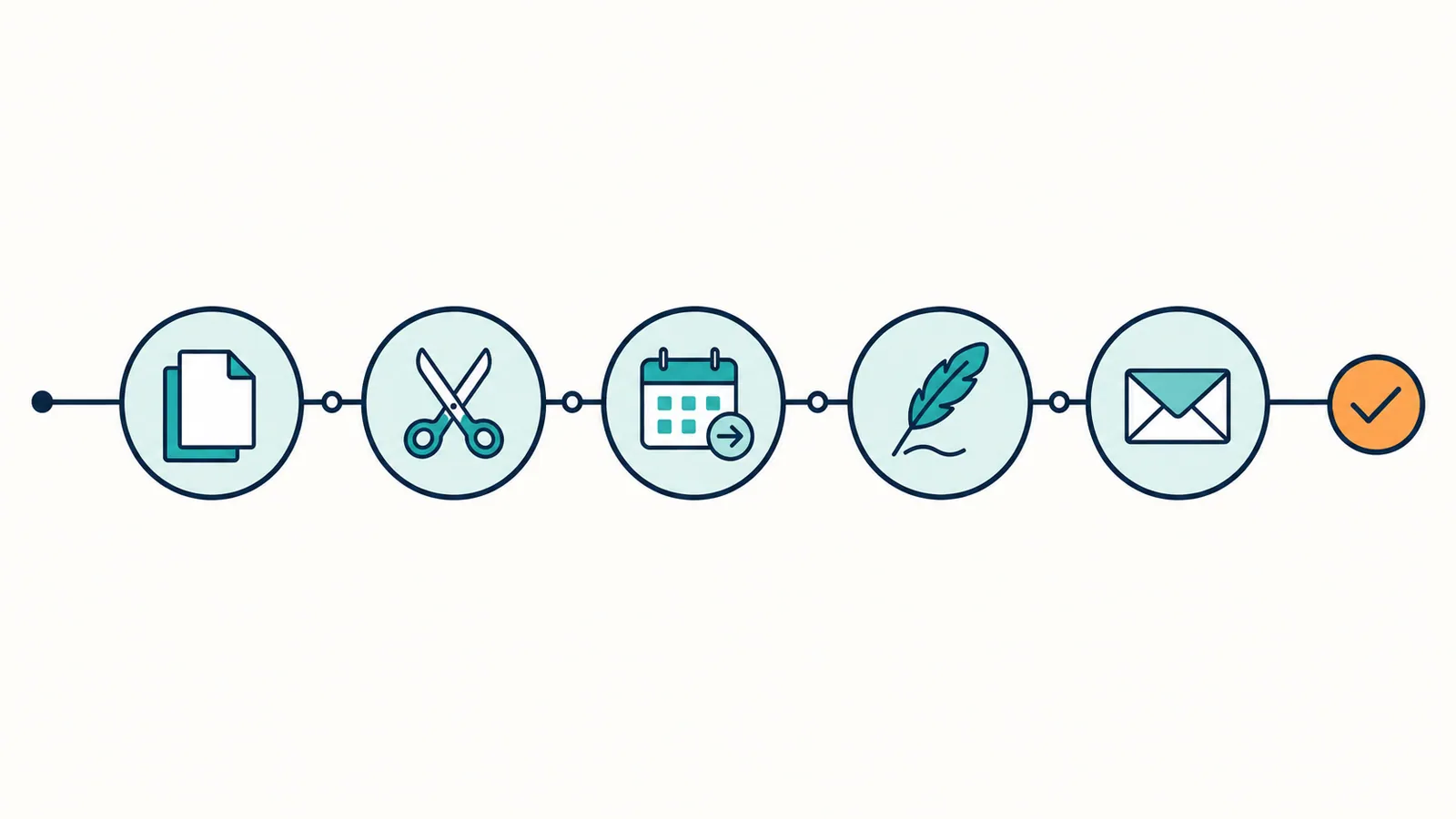
Worked example: a quarterly client report transformed
This is a hypothetical example, not a client story. The consultancy and its numbers are invented to show the arithmetic.
Picture a small SEO consultancy spending roughly six hours per client per month assembling reports. Manual GSC export. Manual GA4 pull. Slides updated by hand. PDF emailed.
The switch.
Before automation. Six hours per client. Four clients. 24 hours per month on reporting. The reports are detailed but rarely drive action. Most months the email sits unanswered in the client's inbox.
After automation. A Looker Studio template duplicated per client. GSC and GA4 connected per client. Scheduled delivery on the first Monday of each month. The consultant writes a context paragraph per client, about 10 minutes each. Total monthly time: roughly 90 minutes across all four clients, down from 24 hours.
The part worth testing. The paragraph at the top leads with the biggest mover and names the next action. That gives the client something to respond to, which a dashboard on its own rarely does. Track reply rates before and after the switch and you will know whether it works for your clients.
The time saved should not go to "more clients." It should go to actually working on the strategy and shipping changes. Reporting is the lowest-leverage activity in the engagement. Cutting it frees time for the highest-leverage one.
Common reporting mistakes
- Reporting on every metric the tool can export. Start with five. Add only when a stakeholder asks.
- Sending reports without a paragraph. The paragraph is the report. The dashboard is supporting evidence.
- Reporting daily. Most SEO numbers do not move enough day-to-day for daily reporting to be useful. Weekly is the right cadence for almost every team.
- Building a custom dashboard before the workflow is in place. A nicer report does not produce more SEO. Build the workflow first. Build the report around the workflow.
- Skipping the comparison. A number without a period-over-period comparison is decoration. Always include the delta.
- Letting the report become a status quo. Every six months, re-ask whether each metric is still helpful. Cut the dead ones.
Building a reporting stack that scales with the team
The Looker Studio + paragraph setup above carries one person or a small team for a long time. There is a point. Usually around three to five clients, or once the marketing team grows past three people. Where the manual paragraph step starts to slip. The reports keep going out. The thinking around them stops happening.
The fix is not "buy a more expensive tool." The fix is to formalize the loop. Three small additions.
A shared template. One paragraph format used across every report. Lead with the biggest mover. Name a cause. Name the next action. Same shape every time. Templates remove the staring-at-blank-page tax.
A pre-write briefing. Five minutes before writing the paragraph, open the dashboard and write down (in a notes app or scratch doc) the three biggest deltas. Then write the paragraph. The pre-step prevents the "I will figure it out as I type" pattern that drifts into vague summaries.
A post-write audit. Once a month, re-read the four paragraphs from the last four weeks back-to-back. Are they driving decisions? Did any of the "next actions" actually happen? If three weeks in a row went "we will ship X next week" and X did not ship, the problem is not the report. The problem is execution. The report is just exposing it.
That execution gap is what RankHive is built for on WordPress sites. Its weekly audit reads the same Search Console data as your dashboard, but it ends in drafted fixes instead of charts: a new title for the page whose CTR dropped, an internal link with its anchor text, a missing meta description. You approve the ones you agree with, they are written to WordPress, and "next week we will ship X" becomes an entry in the Change Log.
This is how SEO reporting goes from a Monday morning chore to a decision tool. The technical automation is the easy part. The thinking discipline is the hard part.
A cross-stakeholder reporting setup
For teams where multiple people read the report. Marketing manager, content lead, CEO. The same dashboard rarely serves all three well. The trick is one source dashboard, three audience-specific views.
The marketing manager's view. All seven metrics. Detail tables. The context paragraph. Period-over-period deltas. This person wants the full picture.
The content lead's view. Top 10 pages and queries. CTR by page. Striking-distance keywords. Recent changes shipped. The context paragraph filtered to content-related movement.
The CEO's view. Three numbers. Organic clicks. Goal completions from organic. Year-over-year growth. The context paragraph. That is it.
Building three views from the same data takes about an extra 20 minutes inside Looker Studio. Each stakeholder reads their view in 60 seconds. Without the cuts, the CEO opens the report, sees 25 charts, closes it. With the cuts, the CEO reads it and replies. That difference is the entire value of the work.
What automated SEO reporting cannot do
A few honest limits. Reporting is the layer most SEO automation software automates first, and for many tools it is also where the automation stops.
It cannot fix a bad strategy. Reporting on a bad SEO strategy weekly produces a clearer view of how that strategy is failing. The strategy still needs to change. The report does not change it for you.
It cannot replace conversations. A report is a one-way artifact. Real decisions still happen in conversation. Use the report as the agenda, not the meeting itself.
It cannot tell you everything. Search Console samples queries. GA4 samples sessions. The numbers in your report are a useful estimate, not a perfect count. Treat them as directional.
It cannot tell you which fix to ship next. That is the gap between a reporting tool and an agentic tool. The report shows what changed. The agentic tool tells you what to change. Different layers.
It cannot teach you SEO. Automated reporting frees the time you used to spend on data plumbing. What you do with that freed time is your call. The best teams use it to study, write, and ship. Others fill it with more dashboards.
Frequently asked questions
Can I automate SEO reporting without Looker Studio?
Yes. Tools like Databox, AgencyAnalytics, and Whatagraph all do scheduled SEO reporting at varying price points. Looker Studio is the free default. The others earn their keep when you need white-labeling, cross-channel reporting, or a tighter UI.
Should the report be weekly or monthly?
Weekly internally. Monthly externally. Internal weekly reports keep the work honest. External monthly reports respect the stakeholder's time. If you only do one, do weekly.
Can AI write the context paragraph for me?
Partly. You can feed an LLM the period-over-period deltas and ask for a draft paragraph. The output is usually serviceable. Always edit before sending. AI is good at "summarize the numbers." It is less good at "name the right cause" or "pick the right next action."
What if my stakeholders want every metric?
Educate them once. Explain why fewer metrics drive better decisions. If they insist, add a "details" tab with the long list and keep the headline tab short. Most stakeholders only read the headline tab anyway.
How do I report on AI Overview impressions?
There are two places to look, and they measure different things. Links to your site in AI Overviews and AI Mode count in the normal Performance report under the Web search type, mixed in with everything else. There is no Search appearance filter that separates them out. Since June 2026, Search Console also has a dedicated Generative AI report in the Performance section. Google announced it on 3 June 2026, rolled it out gradually, and had made it available to all sites by 31 August, though a site with too few impressions in AI features will not see it. It shows impressions in AI Overviews and AI Mode by page, country, device and date. It has no clicks, no queries and no position.
Chart those AI impressions as their own trend line next to total impressions. Do not add the two together: AI impressions are already inside the Performance totals. Google's announcement does not mention API access to the new report, so plan on exporting it from the report itself each month rather than pulling it into Looker Studio automatically. Watch the trend and do not over-react to one month. The report is new, and impressions in AI features move with which queries trigger them.
Is rank tracking dead?
Not dead. Less central than it used to be. Personalized SERPs, AI Overviews, and SERP feature volatility have made daily rank tracking less reliable. Keep it as a coarse trend signal. Do not spend money on enterprise rank trackers for a small site.
When to skip automated reporting entirely
Two scenarios where the right answer is "no report."
A brand-new site with no traffic. A weekly report on zero clicks is not a report. It is a reminder of the obvious. Skip the report until the site has at least a couple hundred clicks a month. Spend the time writing instead.
A founder-led one-person business. If you are the only person who would read the report, and you already check Search Console twice a week, the report is overhead. Skip it. Replace it with a five-minute weekly look at GSC directly.
In both cases, the discipline that matters is the weekly review of the data. The report is one way to enforce that discipline. It is not the only way.
A library of context-paragraph templates
The hardest part of automated reporting is the paragraph. Below are five templates to start from. Adapt the variables. Drop the structure into the email each week.
Template 1. The week-over-week mover.
"Organic clicks are [up/down] [X]% week-over-week. The biggest single driver is [page or query] which moved from [A] to [B]. Likely cause: [reason]. Next week we will [action]."
Template 2. The new-issue alert.
"Search Console flagged [X] new indexing issues this week. The largest bucket is [type] affecting [N] pages. We are investigating whether [cause hypothesis] is the driver. We will resolve and update next week."
Template 3. The launched-page report.
"[Page] launched [date] and now has [N] clicks in [M] days, ranking [position] for [primary query]. Performance is [ahead of / behind / on track with] the comparable launch from [reference month]. Next we will [action]."
Template 4. The no-change report.
"Numbers held steady this week within normal variance. No new errors. No significant rank movement. We continue to ship [N] changes per week from the optimization queue and expect cumulative effects to appear over the next 14 to 30 days."
Template 5. The strategic update.
"This month's biggest organic-traffic mover was [factor], contributing [%] of the total gain. Underneath that, [secondary driver] explains another [%]. The plan for the next 90 days is to lean harder on [factor] by [specific action]."
Pick the template that matches the week. Fill it in. Send. The shape removes the staring-at-blank-page tax. The template is not the report. It is scaffolding. The work is the data underneath it.
Related reading
- How to Automate SEO: The Complete Playbook
- SEO Automation Software: The Definitive Comparison
- Best AI SEO Tools in 2026 (Compared and Ranked)
- Keyword Gap Analysis: Find Missing SEO Opportunities
- The Complete Guide to AI for SEO (2026)
Your job each week is to turn the report's "next action" into a shipped change. Do it by hand with the setup above, or let RankHive draft those fixes from your Search Console data and ship them to WordPress after you approve them.