

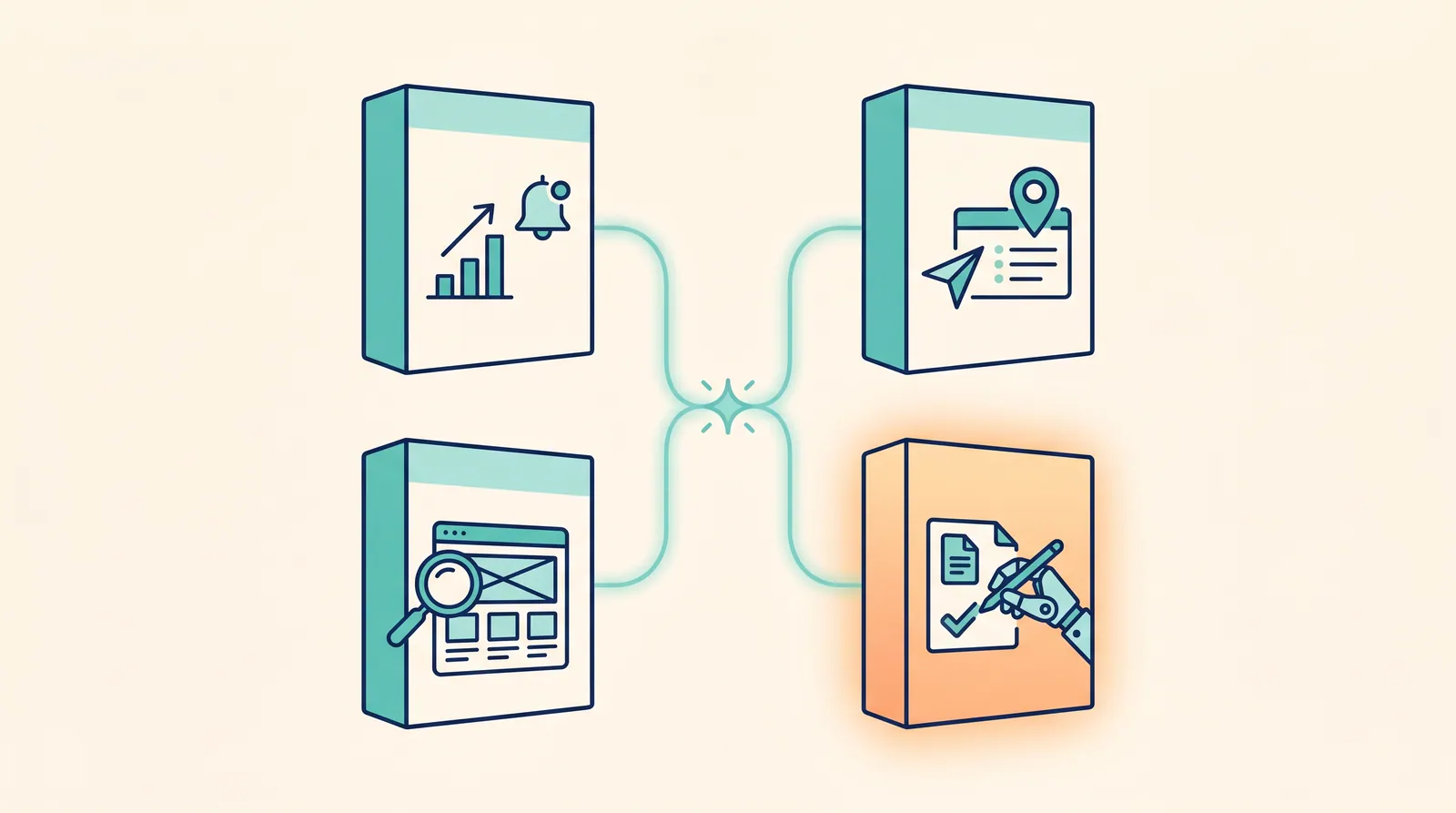
The phrase SEO automation software covers a wide and confusingly named market. On one end you have rank trackers that email you a CSV every Monday morning. On the other end you have agentic systems that draft and ship on-page fixes after you approve them. In the middle: dozens of tools that automate one slice of SEO each.
This is the comparison the marketing pages do not write. I grouped every credible product in this category into four buckets, ranked the leaders in each, and called out which ones genuinely save hours versus which ones just give you a prettier place to view the same data. If you are looking for the best SEO automation software or the SEO automation software free options that are actually worth using, the picks are below with the reasoning underneath.
The big point up front: most of what gets called "SEO automation" is information delivery, not work. A dashboard that emails you a chart on Monday morning is not automating SEO. It is automating the dashboard. The newer category. Agentic on-page SEO. Is the one that actually changes how much time you spend on SEO each week.
Last updated: July 2, 2026. Pricing and feature sets change frequently. Verify on the vendor site before purchase.
For the WordPress-specific product story — discovery, drafting, approval, shipping — see WordPress SEO automation. For the weekly workflow from Search Console export to live fixes, read From GSC data to shipped WordPress fixes.
TL;DR
- The phrase "SEO automation" means four very different things depending on the tool. Pick the bucket first. Then pick the tool.
- The only category where automation actually saves significant human hours in 2026 is agentic on-page SEO. Software that watches your site, drafts fixes, and ships them after review.
- Reporting automation, rank tracking automation, and crawl automation are mature and cheap. They automate information delivery, not work.
- Best free options: Google Search Console + Looker Studio (reporting), Screaming Frog (free up to 500 URLs), Ahrefs Webmaster Tools. See our free Semrush alternative and free Ahrefs alternative guides for the full free stack.
- A working stack in 2026 usually combines one free tool from each of the older categories with one paid tool from the agentic category.
The four categories of SEO automation software
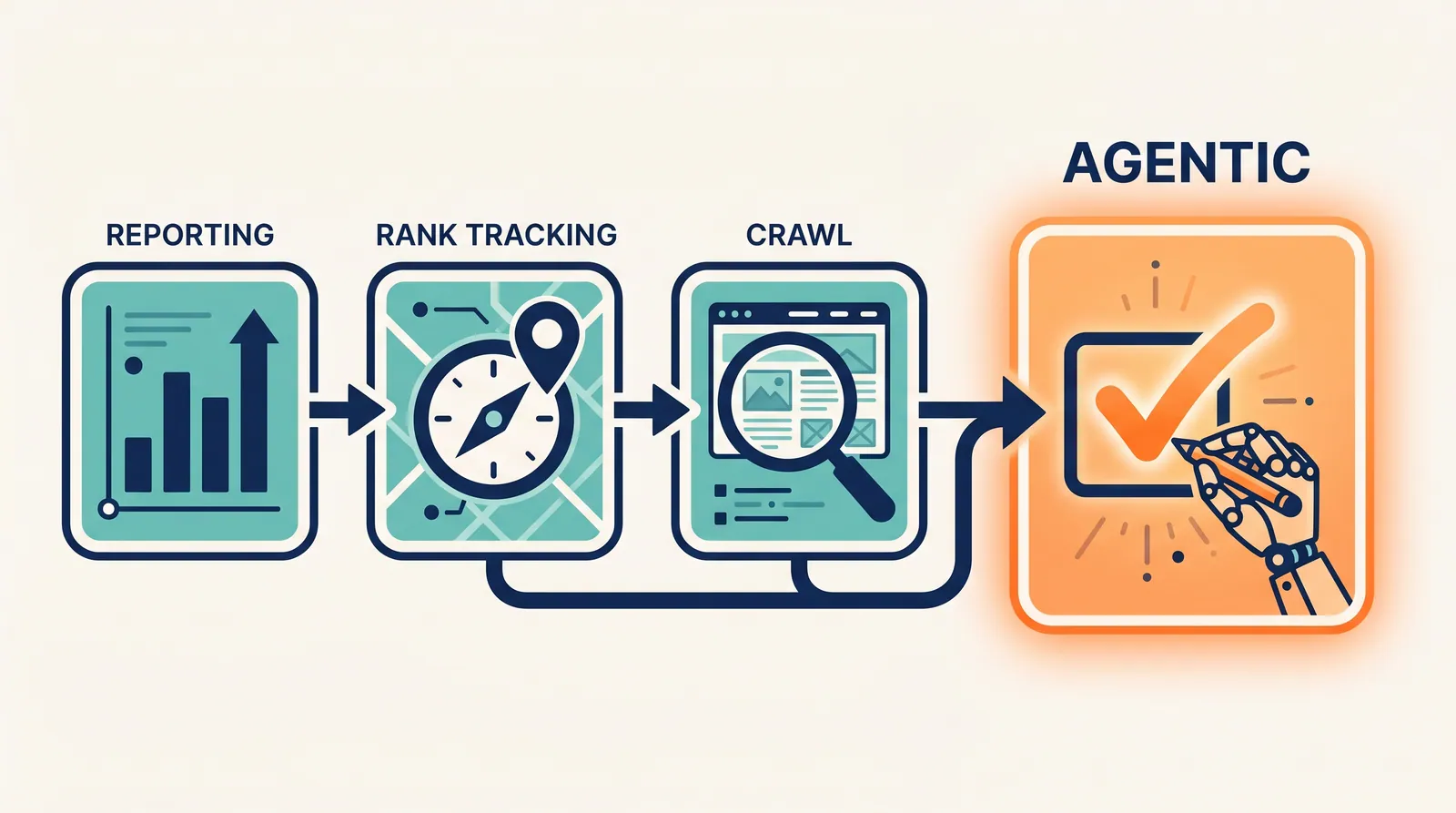
| Category | What it actually automates | Saves you... | Limitation |
|---|---|---|---|
| Agentic on-page | Finds issues, drafts fixes, ships after approval | Most hours | Newest, smallest market |
| Reporting | Scheduled exports, dashboards, alerts | A few hours/month | Information only. No work done |
| Rank tracking | Daily / weekly rank pulls, change alerts | Manual checking time | Tells you what moved, not why |
| Crawl / technical audit | Scheduled site crawls, issue detection | Manual crawl time | Surfaces issues. Does not fix them. |
Most "SEO automation software" you will see is in categories 2 to 4. The genuinely new category in 2026 is the first one. It is also the one most teams skip first because the older categories are easier to set up and feel like progress without actually changing anything.
Best SEO automation software. By category
Best agentic on-page SEO automation: RankHive
RankHive is built specifically for WordPress sites and is the clearest example of true agentic SEO automation in the market. It is the only category that automates the work itself, not the dashboard around the work.
What it automates.
- Discovery. Pulls Search Console plus analytics. Finds the next useful change.
- Drafting. Writes titles, metas, content updates, schema, and alt text. Shows the evidence behind each one.
- Shipping. Pushes approved changes to WordPress via the REST API.
- Logging. Records every change to a history view with one-click revert.
What it does not do.
- Push anything without your approval.
- Replace a senior SEO strategist on a complex IA project.
- Work outside WordPress today.
- Do link building. That stays a human job.
The result for a typical WordPress site owner: a single 20 to 30 minute weekly review session replaces 4 to 6 hours of manual SEO work. For a longer write-up of the underlying approach, see What Is Agentic SEO?.
Pricing. Transparent. Starts low for a single site. The price scales with the number of sites and the volume of changes, not with the number of dashboards.
Best fit. A small or mid-size WordPress site with 25 to 500 indexed pages and a part-time SEO owner who wants the work to actually happen each week.
Best reporting automation: Looker Studio + Search Console / GA4
A free Looker Studio dashboard connected to Search Console and GA4 is, for most small businesses, the right answer for reporting automation. Pre-built templates exist in the Looker community gallery. You copy one, connect your accounts, and you have an always-on dashboard with no recurring cost.
Setup time is roughly 30 minutes for a clean dashboard. The scheduled-email feature ships the report to your inbox every Monday. That replaces "I will check GSC sometime this week" with "the report is already in my inbox."
Paid alternatives. AgencyAnalytics and Whatagraph add multi-client support, white-labeling, and prettier exports. They are relevant for agencies and overkill for a single site. Pricing for these starts around $79 to $99 per month for the entry tier and climbs with seat count and client count.
What to put on the dashboard. Keep it boring. Four tiles is enough for most small sites. Clicks. Impressions. CTR. Top movers (positions that gained or lost the most this week). Anything more becomes noise.
Best rank tracking automation: SE Ranking or AccuRanker
For multi-keyword, multi-location rank tracking, SE Ranking is the small-business default and AccuRanker is the speed king for larger projects. Both offer scheduled tracking, change alerts, and SERP feature monitoring.
The honest take: in 2026, daily rank tracking is less useful than it was five years ago. Search results are personalized. AI Overviews shuffle results. The signal-to-noise ratio is low. Rank tracking is still useful as a coarse trend indicator. Treat it that way. Do not overspend on it. Do not let a Slack channel of daily rank pings become a thing your team watches.
A cheaper-but-good option. For a single small site, Wincher offers solid rank tracking starting under $30/mo. The data is less rich than AccuRanker but more than enough for a site that just needs to know if its top 20 keywords are moving.
Best crawl and technical audit automation: Screaming Frog + Ahrefs Site Audit
Screaming Frog SEO Spider is the industry standard for crawling. The free tier covers 500 URLs. The paid tier ($259 per year) is unlimited and supports scheduling. Schedule a weekly crawl. Pipe the issue diff to email or Slack. Stop thinking about it.
Ahrefs Site Audit runs as part of the Ahrefs platform and offers excellent issue categorization and scheduling. The categorization is the differentiator. Ahrefs ranks issues by likely impact, which is more useful than the raw issue list Screaming Frog returns.
For WordPress sites specifically, the technical audit features built into RankHive cover the same ground and feed the audit results directly into the same review queue as the on-page proposals. The reason that matters: with a separate tool, you get an issue list. With an integrated tool, you get an issue list plus a draft fix waiting for approval.
Best free SEO automation software
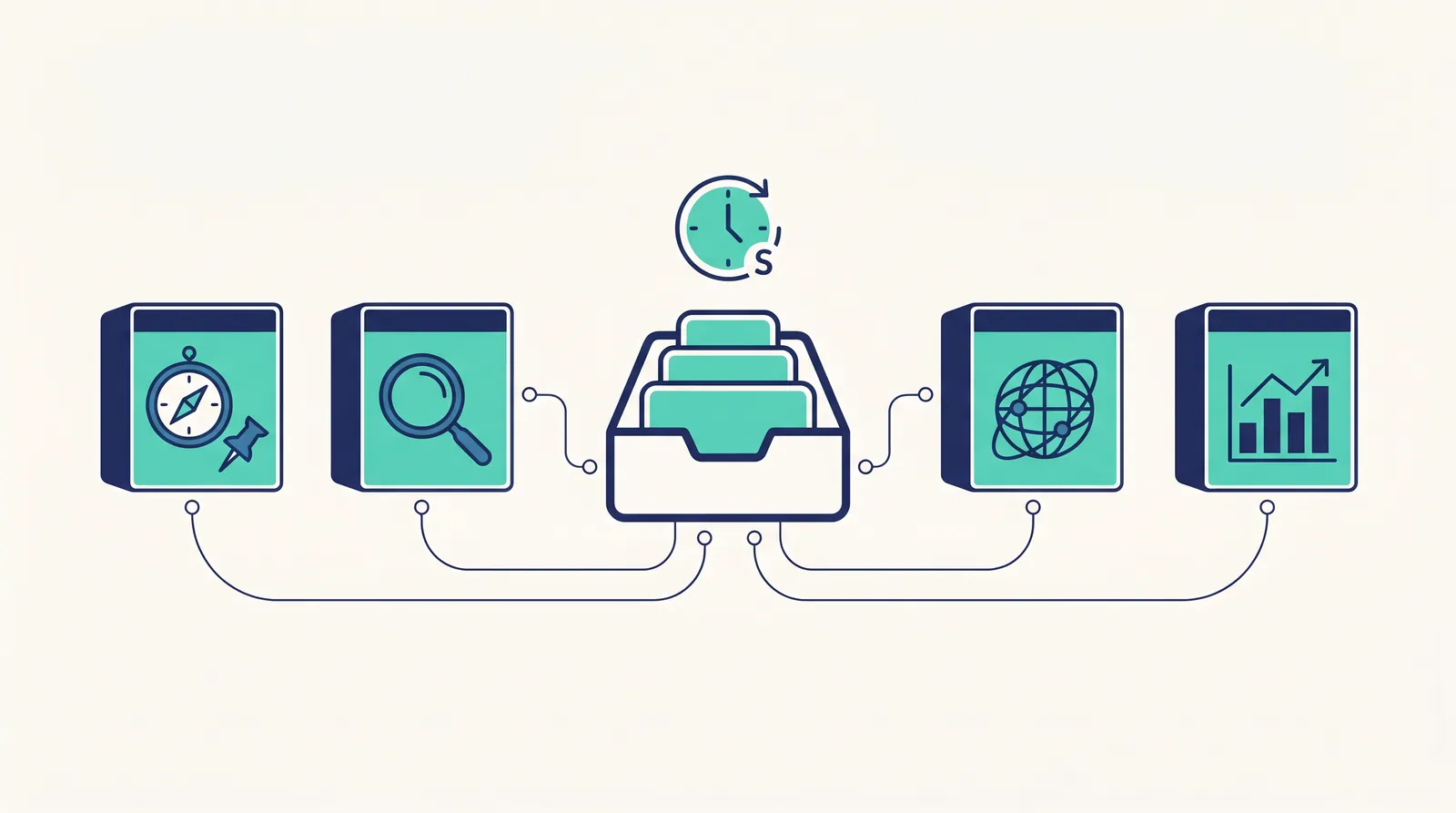
If your budget is zero, here is the stack that gives you the most leverage. This is the same stack I tell every solo operator to set up before paying for anything.
| Need | Free tool |
|---|---|
| Search performance data | Google Search Console |
| Analytics | Google Analytics 4 |
| Reporting dashboard | Looker Studio (free templates) |
| Site crawl | Screaming Frog (up to 500 URLs) |
| Backlink audit | Ahrefs Webmaster Tools |
| Page speed | PageSpeed Insights |
| Schema validation | Google Rich Results Test |
| On-page editor | Yoast SEO Free or Rank Math Free |
| URL inspection at scale | URL Inspection API + a small script |
| Sitemap monitoring | Search Console sitemaps report |
This stack will not draft your content, find your keyword gaps, or ship your fixes. It will tell you, accurately, what is happening on your site for $0. That is the right starting point.
The mistake I see most often: someone subscribes to three paid tools before they have set up the free stack. The paid tools layer on top of the free stack. They do not replace it. Search Console is still the source of truth no matter what else you buy.
How to pick by use case
- You run a single WordPress site and want hours back. → RankHive (agentic on-page) + free Looker Studio dashboard (reporting).
- You run an SEO agency with many clients. → Ahrefs or Semrush (data + reporting) + AgencyAnalytics (white-label reporting) + per-client crawl scheduling.
- You are a freelancer. → SE Ranking (broad coverage at affordable pricing) + Screaming Frog (audits) + Looker Studio (client reporting).
- You are a developer or technical SEO. → Screaming Frog scheduled crawls + custom GSC API pulls + a CI-style alerting setup. Add a content-side tool only when you start writing.
- You are starting from zero with no budget. → The free stack above. Add a tool only when you have run the free stack for 60 days and can name the specific bottleneck.
- You are on a CMS other than WordPress. → Looker Studio + SE Ranking + Screaming Frog. Add a content optimizer (Surfer or NeuronWriter) once you write more than one post a month. Agentic on-page tools for non-WordPress CMSes are still maturing.
What "automation" should not mean
A few warning signs to watch for in this category.
Auto-publish AI content. Tools that promise to "automatically generate and publish SEO content daily" are the fastest known path to a Google Helpful Content penalty. Treat any feature labeled "auto-publish" as off-limits.
Black-box link building. Any tool that automates link acquisition without disclosing how is a risk to your site. The honest tools in this space are templated outreach helpers with humans in the loop. Anything more automated is closer to a spam tool than an SEO tool.
Scraped competitor data passed off as proprietary. A surprising number of "AI SEO automation" tools are thin wrappers over open data sources. Ask the vendor where the data comes from. If the answer is vague, the data is probably scraped.
No approval loop. Automation that does things to your site without you in the loop is too dangerous for any production website. The approval gate is not a feature you can skip. It is the feature that makes automation safe.
The useful frame is simple. Automate the finding and the drafting. Keep the human in the approving and the shipping.
How to evaluate SEO automation software before buying
Run a 14-day evaluation. Same checklist every time.
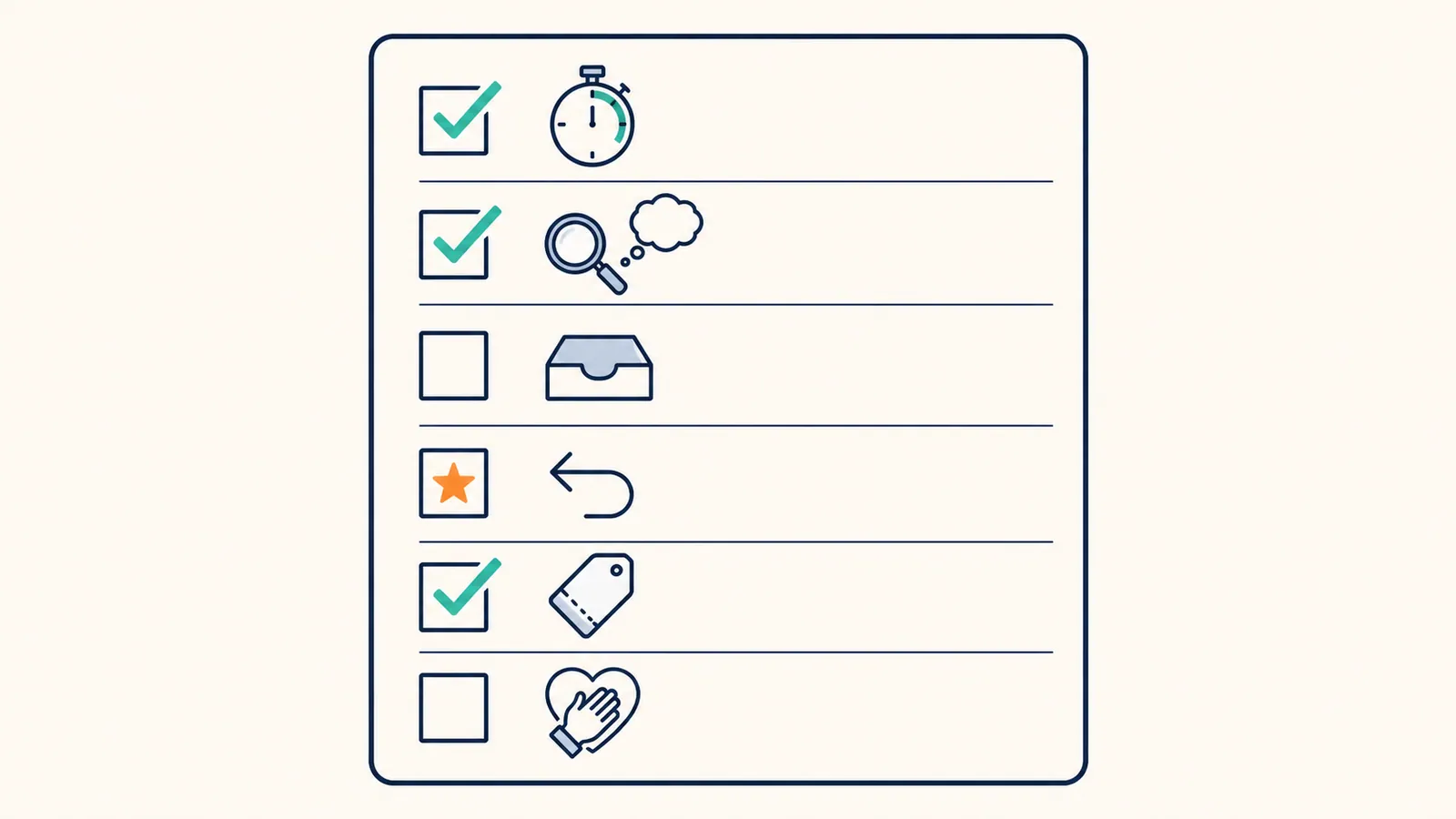
- Time-to-first-result. Can you get a shippable proposal out of the tool in the first hour? If not, walk away.
- Evidence on every proposal. Does the tool show you why it suggests each change? If not, you cannot trust it.
- One queue. Are findings, drafts, and shipping all in one review surface, or scattered across screens?
- A live revert. Can you undo a shipped change in one click?
- Cost stability. Is the price quoted the price you will pay in month three, or is there a credit-meter waiting to upsell you?
- Honest scope. Does the marketing page admit what the tool does not do? Vendors who name their gaps tend to be the ones telling the truth about their capabilities.
A tool that passes all six belongs on your shortlist. A tool that fails two or more is wasting your trial week.
How to roll out SEO automation in 30 days
Week 1.
- Install the free stack. Search Console, GA4, Looker Studio dashboard, free WP plugin.
- Run a baseline Screaming Frog crawl. Fix the critical issues.
Week 2.
- Pick one paid tool that automates the bucket you most need. For most small-business WordPress sites, that is agentic on-page.
- Connect it. Walk through its setup checklist. Approve nothing yet. Just look at what it surfaces.
Week 3.
- Start approving the smallest-risk proposals. Alt text. Meta descriptions. Internal link suggestions.
- Track CTR and impression changes for the affected pages.
Week 4.
- Approve larger-risk proposals. Title rewrites. Content updates.
- Lock in a recurring weekly review session on the calendar. Same day. Same time. Every week.
After 90 days you will have a real baseline of what automation is worth on your site and what you should keep doing by hand. The teams that win at this are the teams that ran the loop every week for 12 weeks before declaring whether it worked. The teams that lost ran it for two weeks and declared the tool broken when the queue was still empty.
A real example: switching from manual to automated
A small affiliate site I worked with last year ran the manual SEO playbook for 18 months before testing automation. Their pre-automation rhythm:
- Pull GSC manually on Mondays.
- Pick three pages to update each week.
- Open WordPress. Edit. Save. Move on.
- Forget to log what changed.
- Forget to check whether anything worked.
After 60 days of running the agentic loop:
- The Monday GSC pull is now a dashboard email.
- The weekly crawl flags issues automatically.
- 12 to 18 proposals land in the queue each week. About 8 to 10 get approved.
- Shipping happens via REST API after approval. No copy-paste.
- Every change is logged with a +30 day outcome check.
The hour count went from roughly six hours per week to roughly 45 minutes. Output went up by a factor of three. The biggest single change was not technical. It was that the work stopped slipping. The queue made it obvious when nothing had been approved, which made it obvious when SEO was being neglected.
Frequently asked questions
Is SEO automation safe?
The agentic pattern with a human approval gate is safe. The auto-publish pattern is not. Pick the first one.
Will SEO automation get me penalized?
Not by itself. Penalties come from low-quality output and manipulative tactics. The automation patterns described here keep humans in the approval seat for every shipping decision. That is what Google cares about.
Do I still need an SEO consultant if I use automation software?
For most small sites, no. For strategic projects. IA changes, major site migrations, expansion to new markets. Yes. Automation handles the recurring work. Consultants handle the rare, high-stakes work.
What is the cheapest serious automation setup?
Free stack plus an agentic layer for the on-page work. Total is usually under $50 per month for a single small site.
Can I automate SEO on a non-WordPress site?
Some of it. The data and crawl categories are CMS-agnostic. The on-page-shipping category leans heavily WordPress in 2026 because the WP REST API is mature and stable. For other CMSes, you can wire approval queues to publishing APIs with Zapier or n8n, but it is more brittle.
How long until automation pays back?
The hour-savings show up in week two. The output-quality and traffic gains show up in months two to four. The compounding gain shows up in months six to twelve.
Migrating from a manual workflow to automation
Most teams treat the move from manual SEO to automated SEO as a tool change. It is not. It is a workflow change. The tool is the smaller part. Below is the sequence that actually works.
Document the current workflow first. Write down, in plain English, the steps you take in a normal SEO week. Be honest. If you skip steps, say so. The honest version is what you are automating. Anything you write down that you do not actually do is a feature you do not need in your new tool.
Pick the single biggest time sink. Maybe it is the GSC export every Monday. Maybe it is the title rewrites you keep putting off. Maybe it is the monthly crawl that never happens because you forget. Automate that one thing first.
Run automation in parallel with the manual workflow for two weeks. Do not turn the manual workflow off until the automation has produced shippable output for at least two consecutive weeks. The temptation is to switch overnight. The cost of an automation gap is bigger than the cost of two weeks of duplication.
Tighten the approval loop only after you trust the tool. Early in the migration, review every proposal carefully. After 30 days, you will see which categories of proposal you approve at high rates without changes. Those are the ones you can batch-approve. The categories where you frequently edit before approving stay one-by-one.
Retire the manual workflow piece by piece. Each piece you retire should be visible on a checklist. The checklist makes it obvious what is still on your plate and what is now the tool's job. Six months in, the manual list should be short and the tool's list should be most of the work.
Vendor evaluation: the 14-day trial checklist
Use the same checklist on every vendor trial. Half the value of automation software is in the right pick. The right pick is impossible without a repeatable evaluation.
- Day 1. Connect the tool to Search Console, your CMS, and your analytics. Time how long this takes. Anything over 30 minutes is a setup friction problem that will compound forever.
- Day 2 to 3. Read what the tool surfaces. Do not approve anything yet. Are the findings useful? Do they match what you already know about the site?
- Day 4 to 7. Approve three to five low-risk proposals. Watch the publishing path. Confirm the changes landed correctly on your site.
- Day 8 to 10. Approve five to ten more. Vary the types. Meta, alt text, schema, internal link. Check the change log.
- Day 11 to 12. Pull a +14 day outcome check on the first batch you approved (or whatever the soonest available data shows). Do you see CTR or impression movement?
- Day 13. Talk to support. File one small issue and see how fast you get a real answer. Slow support during a trial means worse support after you pay.
- Day 14. Decide. Buy, cancel, or extend the trial. Do not let trials drift into autopay.
Two weeks is enough to know if a tool works on your site. Anyone who says they need 30 days to trial a tool is either selling the trial or stalling a decision.
Common mistakes when buying SEO automation software
- Buying a dashboard and calling it automation. A scheduled report is automation of reporting. It is not automation of SEO.
- Stacking two tools in the same category. Two rank trackers. Two crawlers. Two content optimizers. Pick one.
- Ignoring workflow fit. The best tool that does not integrate with your CMS is worse than the second-best tool that does.
- Picking by feature count. A 30-feature tool that you use 4 features of beats a 4-feature tool that you use all of. Until the day the 4-feature tool wins.
- Skipping the trial. Always trial. Always run a real workflow through the tool. Marketing pages oversell. Trials tell the truth.
How to read a vendor's marketing page critically
A few patterns to look for when evaluating any SEO automation vendor's site.
Look for explicit limits. Vendors who tell you what their tool does not do are usually telling the truth about what it does. Vendors who claim it does everything are bluffing.
Look for the approval workflow. Specifically, do they show a screenshot of the approval queue? If the answer is no, the queue might not exist, or it might be an afterthought rather than the core surface.
Look for the data sources. Does the vendor tell you exactly where their keyword and SERP data comes from? If the answer is hand-wavy, the data is probably scraped or low quality.
Look for the integrations. A serious tool has direct integrations with Search Console, GA4, and your CMS. A less serious tool offers Zapier or Make as the "integration."
Look for the case studies. Real ones with names, numbers, and timelines. Vague success stories with "+200% traffic" and no source are stock-photo testimonials in text form.
Look for the support model. Is support email-only? Chat? Slack channel? Phone? Each tier of support cost reflects on the vendor's actual margin and customer count. Strong support is usually a sign of a serious customer base.
These five reads take under ten minutes per vendor. They sort the serious vendors from the marketing-driven ones faster than any feature comparison.
Related reading
- Free Semrush alternative
- Free Ahrefs alternative
- WordPress SEO Automation (product hub)
- From GSC Data to Shipped WordPress Fixes
- Best SEO Automation Tool in 2026 (Ranked)
- How to Automate SEO: The Complete Playbook
- What Is Agentic SEO? AI SEO Agents Explained
If you run on WordPress, RankHive is the closest thing to true SEO automation software in 2026. With a human in the approval seat for every change.