
AI Overviews sit at the top of a large share of Google results, most often for informational queries. If you are not showing up in them, you are losing the most visible real estate on the page before the first blue link.
The good news: ranking in AI Overviews is not mysterious. Google's AI Overview system selects sources based on a set of clear, identifiable content signals. Most of those signals are things you can change on any existing page in an afternoon. This guide covers exactly what those signals are, what to change, how to measure whether it is working, and what to stop doing.
Last updated: October 13, 2026.
TL;DR
- Google AI Overviews don't just cite the top-ranked pages: Google says they can show "a wider and more diverse set of helpful links" than classic results.
- The single most important change: answer the implied question in the first 50 words of each section.
- Add structured elements — comparison tables, definition blocks, FAQ sections — near the top of the page.
- Schema markup is not a ticket in: Google says no special markup is needed to appear in AI Overviews. Keep valid Article markup for its other uses, and treat FAQ and HowTo markup as optional, since neither earns a Google rich result any more.
- AI Overviews can run several related searches (Google calls it "query fan-out") before they answer. A page that ranks position 6 can be cited in an AI Overview over the page at position 1.
- Measure with Search Console's Generative AI report (AI Overview and AI Mode impressions per URL) and by checking your target queries by hand.
What is an AI Overview and how does it pick sources
An AI Overview is a synthesized answer Google generates at the top of the search results page. It is not a featured snippet. A featured snippet lifts a single passage from a single source and displays it. An AI Overview synthesizes information from multiple sources, attributes the key claims to those sources, and presents the combined answer as a paragraph or bullet list.
Google doesn't publish how it picks the cited pages, but citations behave as if selection works at the passage level: what gets cited is a specific paragraph, sentence, or data point, not the page as a whole. A page that ranks position 8 for a query can still get cited in an AI Overview if it contains a specific passage that directly answers a component of the query better than any higher-ranking page.
This is the most important thing to understand about AI Overview optimization: the page-level ranking is less important than the passage-level answer quality. A page with a clear, direct answer to the query's implied question in an early, well-structured paragraph has a meaningfully higher probability of citation than a page that buries the same information in paragraph 12.

The 7 signals that drive AI Overview inclusion
These are the content signals most often associated with pages that get cited in AI Overviews. Google does not publish how it chooses sources, so treat them as a working checklist, not a formula.
1. Direct answer in the first 50 words of a section
Each H2 section heading implies a question. The content directly under that heading should answer that question in the first 50 words, in plain prose. Not a link to another resource. Not a framing paragraph that sets up the answer. The answer itself.
If an AI system reads your page and cannot find the answer to the heading's implied question in the opening sentences of that section, it moves to the next source. This is the single highest-leverage change across any page.
2. Structured content elements
Comparison tables, numbered lists, bullet lists, definition blocks, and step-by-step numbered sections are all over-represented in AI Overview citations. Why: structured content makes passages easier to extract and present without distortion. A comparison table can be summarized and cited cleanly. A 400-word discursive prose paragraph cannot.
The practical rule: every section with comparative or procedural information should have a table or numbered list. Every definitional section should have a clear, standalone definition in the first two sentences.
3. FAQ sections that answer the follow-up questions
A visible FAQ section answers the narrower follow-up questions a searcher has, in short, self-contained passages, which is exactly the kind of text an AI Overview can quote. The value is in the visible text. Google says there are no extra requirements or special markup for AI Overviews: a page only has to be indexed and eligible to show in Search with a snippet.
FAQPage JSON-LD is optional. It is still a valid schema.org type and does no harm, but Google stopped showing FAQ rich results for every site on May 7, 2026, so it no longer changes how your regular result looks either. If you add it, mark up only questions and answers the page actually shows; markup for hidden content breaks Google's structured data guidelines.
4. Original data and first-party numbers
AI systems are more likely to cite sources that contain original research, proprietary data, or specific numbers not easily found elsewhere. If your page says "40% of WordPress sites have a crawl budget issue" and that number comes from your own data, it is more citeable than generic industry statistics.
This does not mean you need original research for every page. It means that where you have first-party experience — specific results, named examples, concrete timelines — you should include them in the relevant section rather than keeping the content abstract.
5. Entity and brand consistency
AI systems have "knowledge" of entities — brands, organizations, people, and products. Sites with consistent entity signals across the web (same name, same description, consistent mentions on third-party sites) are recognized as known entities by the AI. Known entities are cited more reliably than unknown ones, all else being equal.
Practically: your company name, product name, and description should appear consistently across your site, social profiles, PR mentions, and directory listings. Schema markup with Organization and WebSite types helps establish this.
6. Freshness signals
For queries where recency matters — "best tools in 2026," "current state of X," "latest Y" — AI Overviews strongly prefer recently updated content. When you make a meaningful update, let the modified date change (WordPress's last-modified date and the dateModified in your Article schema), and leave the original publish date alone. Don't bump dates for cosmetic edits. Add a visible "Last updated: [date]" marker at the top of the post.
The freshness signal is more important for fast-moving topics (AI, software, policy) and less important for evergreen topics (how to tie a knot, how photosynthesis works).
7. Clean, fast page load
AI Overviews draw from the crawled and rendered version of your page. If important text only appears after a click, or Googlebot gets different content from real users, Google may not see the passage you want quoted. Core Web Vitals don't change what Googlebot can read: they measure what real visitors experience, and Google lists a great page experience among the SEO basics that still apply to AI features.
The content changes that move the needle most
Across the seven signals above, three changes are the quickest to make and the most likely to help.
Change 1: Rewrite every section intro to answer its H2 first.
Take every H2 on the page. Write a one-to-two sentence answer to the implied question of that heading. Put it in the first 50 words of the section. Then continue with the supporting context below it. This is the AEO (Answer Engine Optimization) pattern applied at the section level.
Change 2: Add at least one structured element per major section.
If the section is explaining steps, use a numbered list. If comparing options, use a table. If defining a term, use a blockquote or a bold definition sentence. The structure does not need to be elaborate — even a simple 3-row table is meaningfully better than prose that describes the same information.
Change 3: Add a FAQ section near the bottom with 5–8 questions and clean answers.
These should be real questions the page's target reader would ask, not manufactured keyword padding. Write each answer in 2–4 sentences. FAQ markup adds nothing on its own — the content quality of each answer is what matters.
Before and after: rewriting a page for AI Overview inclusion
The fastest way to internalize these patterns is to see the difference on a real page section.
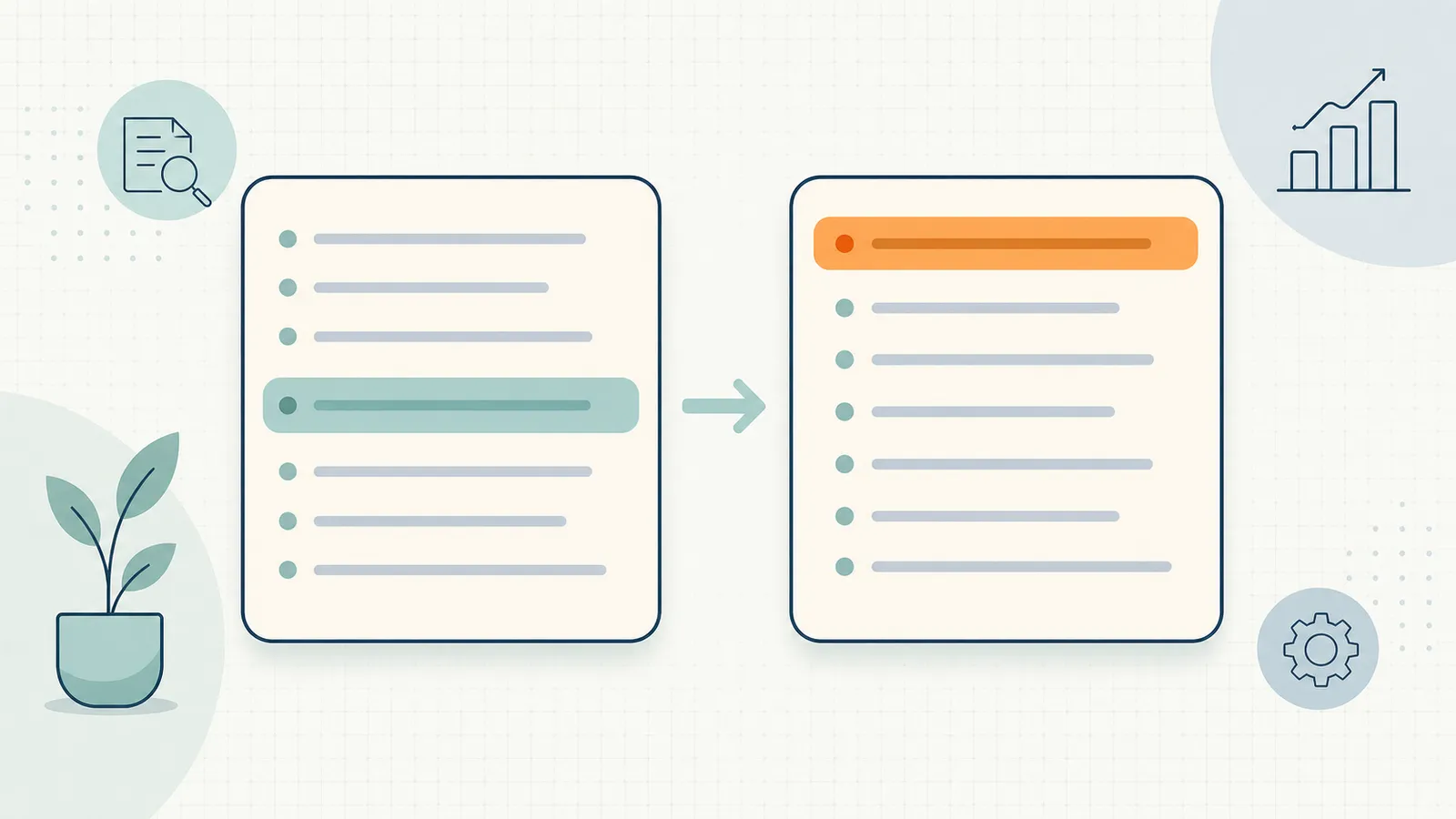
Before. A typical second paragraph on a page about WordPress SEO plugins.
"There are many WordPress SEO plugins on the market today, and choosing the right one can feel overwhelming. In this article, we will compare the most popular options and help you figure out which is best for your needs. We will look at features, pricing, and ease of use to give you a comprehensive picture."
This paragraph says nothing that can be extracted and cited. It is a setup paragraph. AI systems skip it.
After. The same content rewritten for AI Overview inclusion.
"The best WordPress SEO plugin for most sites in 2026 is Rank Math. Its free tier includes schema support for nearly every content type, redirect management, and internal link suggestions — features that Yoast and SEOPress put behind their paid tiers. Yoast remains the safer choice for non-technical authors. The SEO Framework is best for performance-first sites where plugin footprint matters."
Four sentences. Specific. Opinionated. Contains a comparative claim with named entities and reasons. Extractable. Citable. This is what AI systems select.
Schema and AI Overviews: what it does and doesn't do
Google's position is plain: no special schema is needed to appear in AI Overviews, and Google has published no evidence that any type raises your chance of being cited. What structured data still does is help Google understand a page and make it eligible for rich results in regular Search. Use it for that, and keep it accurate:
Article. Establishes the headline, author, and published and modified dates. Keep dateModified honest so that a real update shows as one.
Product, Review and AggregateRating. For product pages, with ratings only from real customer reviews. These can earn rich results in regular Search. Google does not show stars for review markup a business adds about itself on its Organization or LocalBusiness pages.
Organization / WebSite. Tell Google your organization's name and logo and your site name. They do not affect individual pages directly.
FAQPage and HowTo. Optional. Both are valid schema.org types and harmless to keep, but Google retired HowTo rich results in 2023 and stopped showing FAQ rich results on May 7, 2026. Write the visible FAQ or numbered steps for readers; that is the part an AI Overview can quote.
Validate with Google's Rich Results Test for the types it supports, and with the Schema Markup Validator for FAQPage, HowTo and anything else, since the Rich Results Test dropped FAQ support in June 2026. Broken schema is worse than no schema.
How to measure whether your AI Overview optimization is working
Search Console's Generative AI report. Under Performance → Search results → Generative AI, Search Console reports impressions in AI Overviews and AI Mode by URL, country, device and date. It does not show queries, clicks or position, so use it to see whether a page you retrofitted starts appearing at all, then check the query by hand. Best rank tracking tools covers what the report includes and leaves out.
What to look for: whether the pages you changed start appearing, and keep appearing, after Google has recrawled them. The report has no queries, so pair it with a monthly manual check of your target queries to see which passage is cited. Expect fewer clicks than the same impressions would earn as a blue link — the AI Overview often satisfies the query on the page.
Referrer tracking as a supplement. For ChatGPT search, Perplexity, and Claude citations, check your referrer logs in GA4 or PostHog. Referrals from chatgpt.com, perplexity.ai, and claude.ai now appear cleanly in most analytics tools and tell you whether your GEO work is paying off on those platforms as well.

What not to do
A few approaches that look like they should work for AI Overviews but do not.
Keyword stuffing in the answer. AI systems are reading for meaning, not keywords. An answer that repeats the target keyword eight times is lower quality than one that answers clearly with normal language. Write for the reader, not the bot.
Adding FAQ schema to every page. FAQ schema without genuine FAQ content is misapplied markup, and markup that describes content the page doesn't show breaks Google's structured data guidelines. It earns no rich result either way now. Apply it only where the content genuinely is organized as questions and answers, or leave it out.
Chasing AI Overview rankings independently of page quality. AI Overview citations are downstream of good content. If the underlying page is thin, vague, or poorly structured, no amount of schema will fix it. The optimization layer works on top of a solid content foundation, not instead of it.
Ignoring mobile rendering. AI Overviews appear heavily on mobile. Google indexes the mobile version of your page, so content that is missing or broken on mobile can't be cited.
Publishing AI-generated content without editing. AI systems have a documented preference for content that appears original and human-edited. Thin AI content that regurgitates information found elsewhere ranks and gets cited less reliably than the original sources it draws from. Edit everything before publishing.
Integrating AI Overview optimization into your weekly workflow
AI Overview optimization is not a one-time project. It is a continuous pass that happens on the same schedule as your regular on-page work.
The cleanest integration: when you refresh a page for any reason — a content update, a title rewrite, a striking-distance opportunity — run the section-intro check at the same time. Take 10 minutes to verify that each H2 section answers its question in the first 50 words. This habit compounds quickly across a site with 50+ pages.
For sites using an agentic SEO tool like RankHive, the AI drafts content updates and schema, including FAQPage schema, for you to review. It picks the pages from your Search Console data, starting with the ones that already earn impressions, and shows each rewritten section or schema block next to what is live now, with the query, impressions and position behind it. Approved changes are written to WordPress and logged, so any of them can be reverted. Check each draft against the patterns above — direct answers in section openings, structured content blocks — before you approve. The SEO Autopilot feature page shows how content and schema fixes feed the weekly queue.
A 30-minute AI Overview audit for any page
You do not need a tool to run a first pass. Pick a page that already earns impressions for an informational query and walk it through this quick audit — it surfaces the gaps that keep most pages out of AI Overviews.
Minutes 0–5: the headline-answer test. Read each H2 on the page and ask: does the very first sentence under it answer the question that heading implies? Mark every section where the answer is buried below a setup paragraph. These are your highest-leverage edits — moving the answer up is often the single change that flips a page from skipped to cited.
Minutes 5–12: the extractability test. Scan for sections that present comparative or procedural information as a wall of prose. Each one is a candidate for a table or numbered list. AI systems extract structure cleanly and discursive prose poorly, so converting even one dense paragraph into a three-row table measurably improves citation odds.
Minutes 12–18: the specificity test. Hunt for vague, hedged sentences ("there are many factors to consider," "it depends on your needs") and replace them with concrete claims, numbers, named entities, or first-hand results. Generic statements are never cited because they add nothing a model could not already generate; specific ones are.
Minutes 18–25: the FAQ test. Does the page have a genuine FAQ section answering the real adjacent questions a reader would ask? If not, draft five to eight real questions and answer each in two to four sentences. FAQPage markup is optional; if your SEO plugin's FAQ block adds it, check that it matches the visible questions.
Minutes 25–30: the freshness test. For any recency-sensitive query, confirm a visible "Last updated" date and that dateModified reflects a real content change, not a cosmetic save. Stale-looking content is quietly filtered out of AI Overviews for time-sensitive topics.
Run this on your top ten pages by impressions and you will have a concrete, prioritized edit list — exactly the list an agentic tool would generate, produced by hand in half an hour per page.
Frequently asked questions
Do I need to rank on page 1 to appear in AI Overviews?
No. AI Overviews can link a wider set of pages than the classic top 10, though a page must be indexed and eligible for a snippet. A page at position 15 can be cited if it contains the best passage-level answer for a component of the query.
Will AI Overviews reduce my organic traffic?
For informational queries, yes — the AI Overview often satisfies the query without a click. For commercial queries ("best X tool," "X vs Y"), the click rate is much less affected. Optimizing for AI Overview inclusion while targeting commercial intent queries is the best hedge.
How many pages should I optimize at once?
Start with your top 10 to 15 pages by impressions. These have the most to gain from increased citation rates. After the first pass, integrate the optimization into your standard content refresh workflow.
Does page speed affect AI Overview inclusion?
Google hasn't said it does directly: there are no extra requirements for AI Overviews, and its AI features guide lists a great page experience among the SEO basics that still apply. Core Web Vitals measure what real visitors experience; they don't decide whether Googlebot can read your content.
Is AI Overview optimization the same as GEO?
GEO (Generative Engine Optimization) is the broader practice of optimizing for citation in any generative AI answer system — ChatGPT, Perplexity, Claude, Bing Copilot, and Google AI Overviews. AI Overview optimization is a subset of GEO, specific to Google's system.
Can I see which specific passages are cited in AI Overviews?
Not directly in Search Console. The impression data shows that a link to your page appeared in an AI Overview or AI Mode answer, but not which passage was used. The workaround: search for your target queries manually and check whether your content appears in the AI Overview.
Related reading
- What Is SEO for AI Called? LLM SEO, GEO and AEO
- Generative Engine Optimization (GEO) in Practice
- How to Rank in ChatGPT: SEO for ChatGPT Search
- The Complete Guide to AI for SEO (2026)
- AI Content Optimization: A Practical Guide for 2026
- What Is Agentic SEO? AI SEO Agents Explained
- SEO Autopilot for WordPress
Your job is to run that 30-minute audit on your top pages, ship the edits, and repeat it whenever you refresh a page. Do it by hand with the checklist above, or let RankHive draft the section rewrites and schema for your WordPress pages and ship each one after you approve it.