This is not a beginner's mistake. Experienced SEOs make it too. The classic version: block a folder in robots.txt, expect it to vanish from Google, and six months later find hundreds of URLs from that folder still sitting in the index with no description under them.
The confusion is understandable. Both tools sound like they do the same thing: keep pages out of Google. And in casual conversation, people use "block" to mean both. But a meta tag noindex and a robots.txt disallow rule operate at completely different layers of how a search engine deals with your site. Mix them up and you get results that look like a bug but are actually the system working exactly as designed.
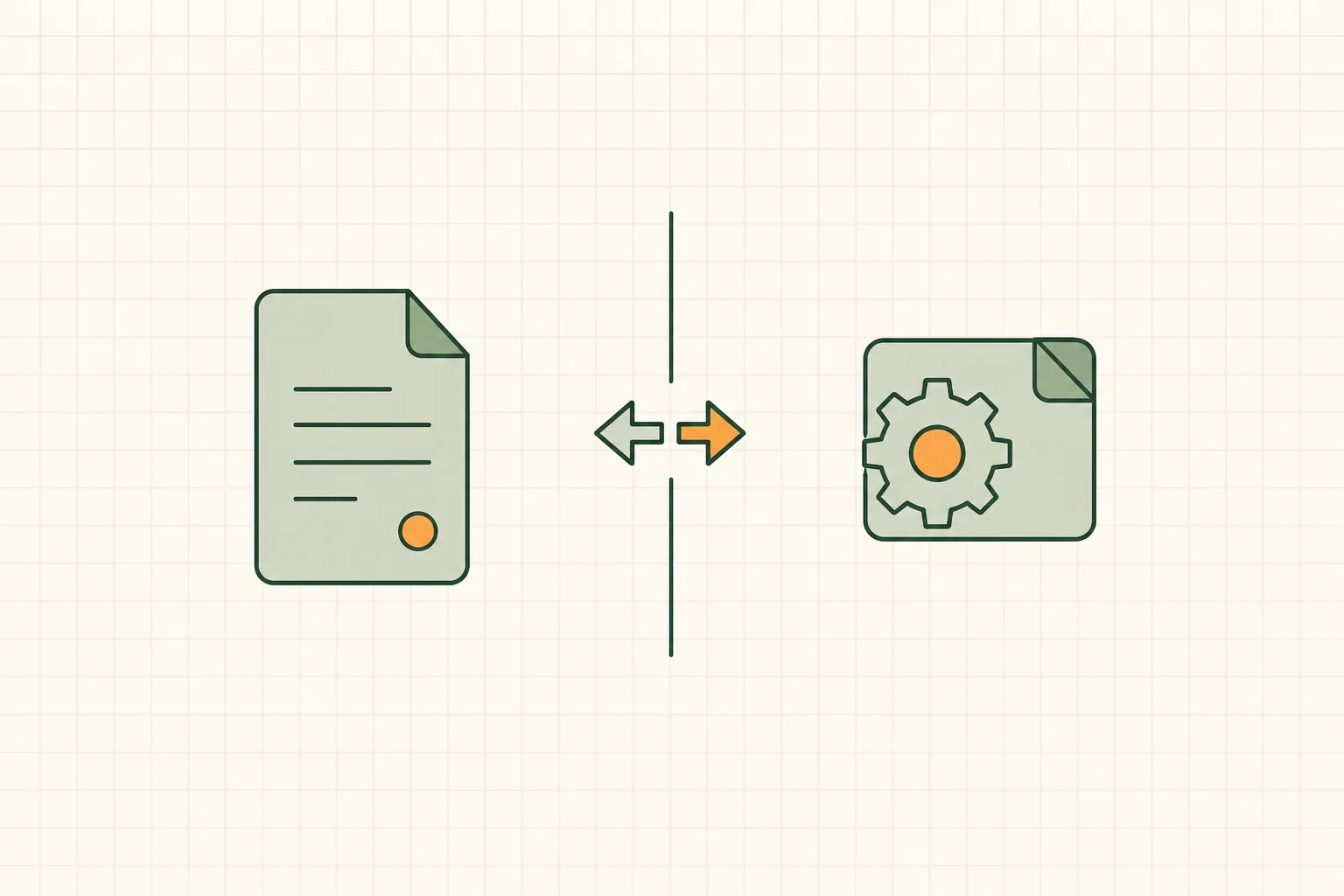
The short answer: robots.txt controls crawling, noindex controls indexing, and a page blocked in robots.txt can stay in Google's index because Google never gets to read its noindex tag. This post explains, precisely, how each mechanism works, why the difference between crawling and indexing is the whole story, and how to figure out which one you actually need.
How each mechanism actually works
Robots.txt: a request not to visit
Robots.txt is a plain text file that sits at the root of your domain, like example.com/robots.txt. It's part of something called the Robots Exclusion Protocol, and it's been around since 1994 — ancient by internet standards.
The file contains rules that tell crawlers which paths they're allowed to request. Something like this:
User-agent: *
Disallow: /staging/
Disallow: /wp-admin/
When Googlebot wants to crawl your site, it fetches robots.txt first and checks the rules before requesting any URL. If a path is disallowed, Googlebot simply doesn't request it. It never downloads the page. It never sees the HTML. It never sees any tag inside that HTML, including a noindex tag, because it never gets that far.
That last point matters more than anything else in this article, so hold onto it.
Robots.txt is also not a security tool. It's a voluntary protocol. Well-behaved crawlers like Googlebot respect it. A scraper written by someone who doesn't care will just ignore your robots.txt entirely and grab the page anyway. If you need real protection for sensitive content, use a password or take the page off the public internet. Robots.txt is a traffic director, not a lock.
The meta robots tag: an instruction read on the page itself
The noindex directive works differently. Instead of living in a separate file, it lives inside the page's own HTML, in the <head>:
<meta name="robots" content="noindex">
You can also send the same instruction as an HTTP response header, which is useful for non-HTML files like PDFs that don't have a <head> to put a meta tag in:
X-Robots-Tag: noindex
Here's the part that trips people up: for Google to obey this instruction, it first has to crawl the page. It has to request the URL, download the response, and parse it to find the noindex tag or header. Only after reading that instruction does Google decide to leave the page out of its index, or remove it if it was already there.
So the meta tag noindex isn't a "don't come here" sign. It's a note left on the page that says "you can come in, just don't list this in your directory." Google has to walk in and read the note for it to work.
The critical difference: crawling vs. indexing
This is the part that actually explains all the confusing behavior people run into, so let's slow down.
Crawling is Google visiting a URL and downloading its content. Indexing is Google deciding to store that content and make it eligible to show up in search results. These are two separate steps, and they don't have to happen together.
Robots.txt controls crawling. It says: don't bother requesting this URL.
The noindex tag controls indexing. It says: you can request this URL, but don't put it in the index.
Now here's the scenario that catches people off guard. Suppose you disallow a URL in robots.txt. Google won't crawl it. But if that URL is linked to from somewhere else — another site, a partner blog, even a stray internal link you forgot about — Google can still become aware the URL exists. It never sees the page's content, because it's honoring your disallow rule. But it can still show that bare URL in search results, usually with a line like "No information is available for this page" instead of a normal snippet.
This is not a bug. Google's own documentation says exactly this will happen: a disallowed page can still get indexed and shown in search results if it's discovered through links, just without a description, because Google respected your robots.txt and never crawled the content to know what was on it.
So if your actual goal is "keep this page out of Google entirely," blocking it in robots.txt can backfire. You need Google to crawl the page so it can see the noindex tag and act on it. Blocking crawling actually prevents Google from ever discovering the instruction that would get the page removed.
Say that twice, because it's counterintuitive the first time: to remove a page from Google, you often need to let Google crawl it, not block it.
A decision framework: which one do you actually need
Ask yourself what you're trying to accomplish, because the two tools solve different problems.
You want to save crawl budget or keep bots away from low-value junk. Think infinite calendar pages, internal search results, faceted navigation that spawns thousands of near-identical URL combinations. You don't care if these ever show up in search — you just don't want Googlebot wasting time and server resources crawling them. Use robots.txt disallow.
You want a specific page gone from search results, permanently, with certainty. A thank-you page, an internal PDF, a duplicate content page, a thin tag archive. Use a noindex meta tag or X-Robots-Tag, and make sure the page is crawlable so Google can see the instruction.
You want both — no crawling and no indexing. This is trickier than it sounds, because the two tools actively conflict here (more on that below). The honest answer is usually: pick indexing control (noindex) as the priority if the content is public and linkable, and accept that Google will crawl it occasionally to check the tag. If you truly don't want any bot activity, password-protect the page instead.
You want the page removed immediately, for legal or sensitive reasons. Neither of these is fast enough on its own. Use the URL Removal Tool in Search Console for a quick temporary block, but also apply noindex or delete the content, because the removal tool is temporary.
You want to consolidate duplicate pages instead of hiding them. That's a job for a canonical tag, not noindex or robots.txt. Different tool, different topic — I've written about that separately.
The pattern underneath all of this: robots.txt is a crawl-efficiency tool. Noindex is a search-visibility tool. Most of the time you want one, not both.
What happens when you use both incorrectly together
This is where the real damage happens, and it's an easy mistake to make.
Here's the failure mode: someone notices a section of the site — say, /tag/ archive pages — showing up in search with thin or duplicate content. They want it gone. So they add both a noindex tag to the page template and a Disallow: /tag/ rule in robots.txt, thinking they're being thorough.
But robots.txt now blocks Google from ever crawling those pages again. Which means Google never sees the noindex tag. Which means any of those URLs that were already indexed, or get linked to later, will just sit in the index indefinitely — because the one instruction that would remove them is unreachable.
A setup like this can sit in place for a year or more if the site owner assumes it is working and never checks. Meanwhile Search Console flags the URLs as "Indexed, though blocked by robots.txt" — which is Google's polite way of saying "you told me not to look, so I can't confirm what's here, but something linked to it so it's staying in my list."
The fix is almost always: remove the robots.txt block, keep the noindex tag, let Google crawl the pages, wait for it to process the noindex instructions, and only then consider blocking crawling if you still want to save crawl budget on pages you know are now out of the index.
Order matters here. Noindex first. Confirm removal. Block crawling second, if at all.
Real-world scenarios
Staging sites
You've got a staging copy of your site at staging.example.com for testing before pushing changes live. You don't want Google anywhere near it. This is one of the rare cases where robots.txt disallow makes sense as a first layer, because you genuinely don't want crawling to happen at all — there's no content here that needs a "please don't index" note, because ideally no search engine should even know the subdomain exists.
But robots.txt alone isn't reliable protection, because subdomains sometimes leak through links, backups, or misconfigured DNS. A sturdier setup for staging environments is HTTP basic authentication — a password wall — combined with noindex as a backup. Relying on robots.txt alone for staging sites is a common way staging content ends up indexed by accident.
PDFs and downloadable files
You have a product spec sheet or old whitepaper as a PDF that ranks for a keyword you'd rather not associate with. PDFs don't have an HTML <head>, so you can't drop in a meta tag. Use the X-Robots-Tag HTTP header instead, configured at the server level for that file type or specific path. Robots.txt disallow would stop crawling but, per the same logic as everywhere else in this article, could leave the bare URL indexed if it's linked anywhere.
Parameter URLs
E-commerce sites generate endless URL variants from filters and sorting: ?color=red&size=medium&sort=price. These create massive duplicate content problems and burn crawl budget fast. This is actually a case where canonical tags are usually the better first move — pointing all the parameter variants back to the clean URL — because you want the ranking signals consolidated, not thrown away. Robots.txt disallow on parameter patterns can help if crawl budget is a genuine problem on a large site, but do it carefully, because overly broad rules can accidentally block legitimate pages that happen to match the pattern.
Admin and login pages
/wp-admin/, /login/, /cart/, /checkout/ — pages with zero search value and no reason for a stranger to land on from Google. Robots.txt disallow is the right call here. Nobody needs these crawled, nobody needs a noindex tag fussing over them, and blocking them at the robots.txt level saves crawl budget without any downside, since you're not relying on removing them from an index they were never worth entering.
Worth noting: WordPress already disallows /wp-admin/ by default in most standard robots.txt configurations, with a carve-out for admin-ajax.php, which needs to stay crawlable because some front-end functionality depends on it. If you're hand-editing robots.txt, check what your CMS already provides before adding redundant or conflicting rules on top of it.
Internal search results pages
Almost every site with a search box generates URLs like /?s=blue+shoes the moment someone uses it. These pages have no fixed content — they're generated on the fly from whatever a visitor typed — and they make poor search results themselves, since Google showing your internal search results page for a query is rarely what anyone wants. This is a case for noindex, not robots.txt, and specifically noindex with follow enabled if those pages link back into your normal site structure. Blocking them outright with robots.txt can occasionally cause a strange side effect: seeing a slow trickle of "Indexed, though blocked by robots.txt" entries for search query permutations that got linked to accidentally, from spam, scrapers, or a stray internal link that included a query string.
Why this confusion costs more than it seems
It's tempting to treat this as a minor technicality — does it really matter if a few hundred thin URLs sit in Google's index with no snippet? Often, yes, in ways that compound quietly.
Every URL Google decides to crawl and consider is a URL competing for a finite amount of attention Google gives your site — commonly discussed as crawl budget, though Google's own framing is closer to "crawl capacity" balanced against how much value it thinks it'll get from crawling you further. Sites with large numbers of low-value URLs sitting in a confused state between crawling and indexing tend to see Google spend more of that limited attention on junk and less on the pages that actually matter to your business. On a small site this is invisible. On a site with tens of thousands of URLs — think a large e-commerce catalog or a publisher with years of archives — getting this wrong can mean your best new content takes noticeably longer to get discovered and ranked, simply because Googlebot is busy rechecking robots.txt-blocked junk it can't even resolve.
There's also a trust cost that's harder to quantify but real. A site with a messy, self-contradicting set of indexation signals looks, from Google's side, like a site nobody is actively maintaining. That's not a stated ranking factor, but it's not nothing either — search engines have gotten better at inferring overall site quality from patterns like this, and a clean, deliberate indexation setup is one small signal among many that a site is well cared for.
How to audit which pages use which method
You can't fix what you can't see, and most sites have some inconsistency between what robots.txt says and what the meta tags say. Here's how to check.
Start with your live robots.txt file — just visit yourdomain.com/robots.txt in a browser and read through the disallow rules. Note every pattern that's blocked. On WordPress specifically, that file is usually generated in memory rather than stored on disk, which changes how you edit it — the WordPress robots.txt guide covers the virtual file, the rules worth adding, and the edits that quietly cost traffic.
Then crawl your site with a tool that reports meta robots tags per URL (Screaming Frog, Sitebulb, or similar). Cross-reference: are any pages carrying a noindex tag that are also blocked by robots.txt? Those are broken — Google can't read the noindex, so it's not doing anything useful, and you should decide which control you actually want.
In Google Search Console, check the Page Indexing report for the status "Indexed, though blocked by robots.txt." Every URL in that bucket is a candidate for the fix described above: remove the robots.txt block if you actually want it deindexed via noindex, or leave it if you're fine with the bare URL sitting in the index without a snippet.
Also check for "Excluded by noindex tag" — that's the report confirming your noindex tags are actually working, which is worth spot-checking periodically, especially after CMS updates or plugin changes that sometimes reset meta tag settings site-wide.
If you're running WordPress, this is also where things quietly break without anyone noticing — an SEO plugin update, a theme change, or a caching layer can flip noindex settings on pages you never touched. This is the kind of drift that's hard to catch by hand and easier to catch with a tool like RankHive. Its weekly audit reads Search Console for pages Google isn't indexing and for robots.txt and noindex mistakes, so you hear about it that week instead of three months later in a traffic report. Where the fix lives in your robots.txt, a post or a page, it drafts the change and waits for your approval, and a shipped robots.txt edit can be reverted from its Change Log.
FAQ
Does robots.txt disallow guarantee a page won't show up in Google?
No. It guarantees Google won't crawl the page's content. But the bare URL can still appear in search results if it's linked from elsewhere, typically without a title or description. To guarantee removal, use noindex on a crawlable page.
Can I use noindex and robots.txt disallow on the same page?
You can, but it usually defeats the purpose. If robots.txt blocks crawling, Google never sees the noindex tag, so the instruction is ignored. Use one or the other for a given page, based on whether your priority is crawl efficiency or guaranteed removal.
How long does it take for a noindex tag to work?
It depends on how often Google recrawls the page. For frequently crawled pages, it can happen within days. For pages Google rarely visits, it can take weeks. You can speed this up by requesting indexing through Search Console's URL Inspection tool, which nudges Google to recrawl sooner.
What's the difference between noindex and nofollow?
Noindex controls whether the page itself appears in search results. Nofollow controls whether Google should follow the links found on that page to discover other pages. They're independent settings and are often confused with each other — that's a big enough topic that it deserves its own explanation.
Should I use robots.txt to hide sensitive information?
No. Robots.txt is a public file, and anyone can read it to see exactly which paths you're trying to keep crawlers away from — which sometimes makes it a map of your sensitive areas rather than a shield for them. It also only works on crawlers that choose to respect it. For anything actually sensitive, use authentication.
Why does Search Console show "Indexed, though blocked by robots.txt" for pages I never wanted indexed?
This happens when a page is disallowed but discovered via external or internal links. Google indexes what little it can infer from the link (URL and anchor text) without crawling the content. If you want the page fully out, remove the robots.txt block and add noindex instead, then wait for Google to recrawl and process it.
Does using noindex hurt my crawl budget?
Not directly — Google still needs to crawl the page occasionally to confirm the noindex tag is still there, especially if the page might change. If crawl budget is a real concern on a large site and you're confident the content should never be indexed or updated, that's when combining a stable noindex period with an eventual robots.txt block, after confirming removal, can make sense. Just don't do it in the wrong order.
Your job is to make sure every page has one clear instruction: crawlable with noindex if it should leave the index, disallowed only if it never mattered. Check that by hand with the audit steps above, or let RankHive watch Search Console for these mistakes each week and ship the fixes after you approve them.